
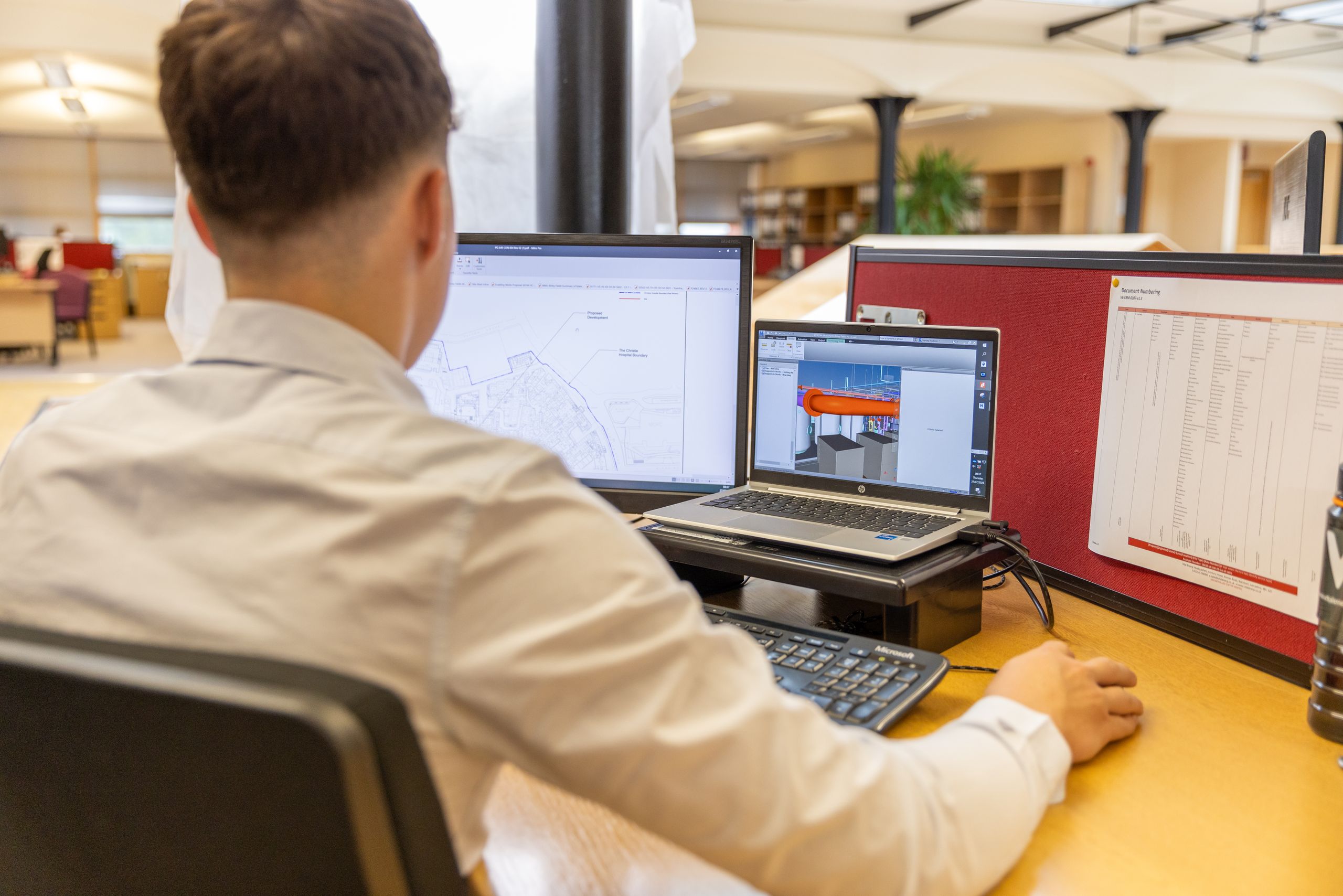
Right-Sizing Autodesk Seats for Design Firms
Autodesk retired shared network licenses in 2023 and changed its prices again in January 2026. Every seat now belongs to a named user. Small firms that used to share a few seats are now paying more.
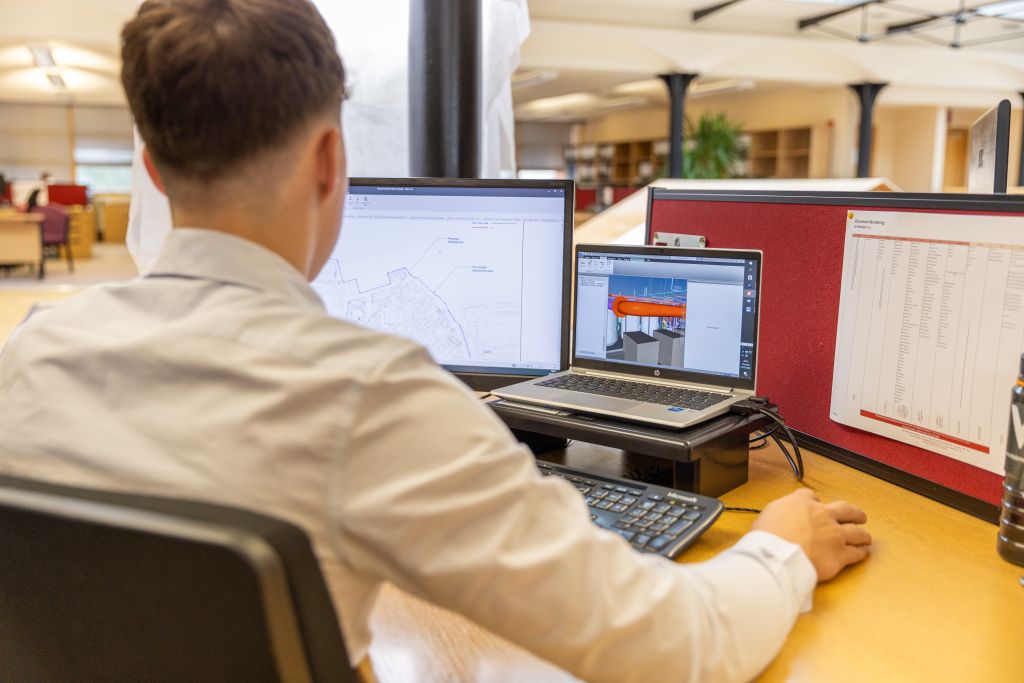
Autodesk Killed Multi-User Licenses. Here’s What That Means for Your Firm
Your Autodesk bill went up, and the way your seats work changed. Maybe a renewal quote came in higher than you expected. Maybe a license you used to share around the office now only works for one person. You are not imagining it, and you did nothing wrong. Autodesk changed the rules.
If this caught you off guard, you are in good company. A lot of small firms stretched their Autodesk investment for years with shared seats. That option is gone now, and many owners do not understand why their costs jumped.
Here is the short version. Autodesk got rid of multi-user (network) licenses, the kind a whole office could share from a pool of seats. Every seat now belongs to one named person. On top of that, Autodesk raised prices on many subscriptions in January 2026 and removed most renewal discounts. So firms that used to share a few seats among many occasional users are now paying for more named seats, at higher prices. The fix is to right-size your licenses to who actually uses what. For people who only open the software now and then, Autodesk Flex can cost less than a full seat.
Review your seats every year, before the renewal quote lands. Proactive beats overpaying.
What multi-user licensing used to be
A multi-user license, also called a network license, was a shared pool of seats. Your firm bought, say, five seats. Up to five people could use the software at the same time. A sixth person had to wait for a seat to free up. This is what we call concurrent licensing.
That setup was great for firms with lots of occasional users. You had twelve people who touched AutoCAD now and then, but rarely more than five at once. So you bought five shared seats and covered all twelve. You stretched the investment, and it was smart.
What changed, and when
Autodesk retired multi-user licensing over the last few years and moved everyone to named-user licensing.
Named user means each license belongs to one specific person, tied to their Autodesk ID. It is not a shared pool. If twelve people need the software, you need twelve named seats, even if they never all work at once. The sharing is gone.
This did not happen overnight. Autodesk announced it back in 2020, retired multi-user subscriptions over the next few years, and offered trade-in deals through 2024. By now, in 2026, network licenses are simply not an option anymore. Every seat is a named user.
One more change catches firms with field or offline machines. Network licenses could run fully offline. A named user seat can be offline for up to 30 days, then it has to connect to the internet again before it keeps working. If you have computers that never go online, plan for that.
Then came the price side. Autodesk changed its pricing on January 7, 2026. Its renewal notice says AutoCAD LT went up 2 percent in the US, Europe, and the UK, and other subscriptions went up too. Autodesk did not publish one number for every product, so check your own quote line by line. It also removed most renewal discounts. AutoCAD and AutoCAD LT keep a 5 percent discount on multi year renewals. So the move to named user and the new prices stack up, and many firms feel both at renewal.
Why your bill jumped
Put the two changes together and the math gets painful for the firms that used to share seats.
For example, let’s say your firm used to run five shared network seats for twelve occasional CAD users. Under the old rules, five seats covered everyone. Under named user, you need a seat for each person who uses the software. That is not five anymore. It could be eight, ten, or all twelve, depending on who really needs access.
So your seat count goes up, the price per seat goes up, and the old renewal discount is gone. Three increases at once. No wonder the quote was a shock. This is not a billing error. It is the new model working as designed.
The honest part: there is no way back
You cannot buy network licenses anymore. There is no trick to get the old shared pool back. Anyone who promises you new concurrent Autodesk seats in 2026 is selling something that does not exist. Old perpetual network licenses you already own are a separate case, so check with Autodesk or your reseller before you drop them.
So the goal is not to fight the change. The goal is to get smart inside it. Pay for exactly the seats you need, on the right products, and stop paying for waste.
What to do about it: right-size your seats
You may be paying for seats you do not need, or for a bigger product than a person actually uses. A yearly review catches that.
Count real users, not job titles. Look at who actually opens each Autodesk product in a normal month. Not who might someday. Not who has it “just in case.” Real, regular users. That number is your true seat count.
Match the product to the person. A power user who lives in Revit and AutoCAD belongs on the Autodesk Architecture, Engineering and Construction Collection (a bundle that includes Revit, AutoCAD, Civil 3D, and more). A person who drafts in 2D may only need AutoCAD LT, which costs less and went up 2 percent in 2026. Someone who only views and marks up drawings may not need AutoCAD at all, since a free viewer or a PDF markup tool can cover it. We break this down in our post on whether architects still need both AutoCAD and Revit.
Use Flex for occasional users. Autodesk Flex lets you prepay tokens and pay a daily rate only on days someone has the product open. Autodesk pitches it as best for occasional users. If someone opens AutoCAD a few days a month, Flex may cost less than a full seat. Tokens expire one year after purchase, so do not overbuy.
Cancel dead seats before renewal. People leave. Projects end. Seats linger. Every named seat nobody uses is pure waste, and named licensing makes those seats easy to spot, because each one has a name on it. You can unassign a seat and give it to someone else right away. If you want fewer seats, you can ask anytime, but Autodesk only lowers the count and the price at renewal. So plan cuts before the renewal date. If you pull a seat from someone who still needs it, they will see an error like the one in our Not entitled post.
Plan renewals on purpose. With discounts gone and prices rising, timing and term length matter more. You should review your Autodesk seats every year before renewal, not after the quote arrives. Proactive is better than reactive, and here it is real money. And do not let a renewal slip by accident. Our post on what happens when an Autodesk subscription lapses covers that.
For example, let’s say that twelve-user firm reviews honestly. Six people truly need the full Collection. Three only need AutoCAD LT. One opens AutoCAD a few days a month and fits Flex. Two seats belonged to people who left. Right-sizing that list can soften the blow of the new model, without taking the software away from anyone who needs it.
Frequently asked questions
We will right-size your Autodesk spend
You did not make this change, but you are stuck paying for it. The good news is that you may be able to save by paying only for the seats and products your team truly uses. That takes an honest look at who uses what, and a plan for renewals before the quote lands.
Our managed IT services help small architecture and engineering firms review their Autodesk licensing, cut the waste, and match every person to the right seat. Based in East Tennessee. Serving firms nationwide. So your team keeps the tools it needs, and you stop paying for the ones it does not.
If your Autodesk bill jumped and you are not sure why, give us a call for a free IT checkup. We will look at your seats and tell you straight where the money is going.
Key takeaways
- Autodesk retired multi-user (network) licenses, the shared pool an office could split among occasional users. Every seat now belongs to one named person, so firms that shared seats must buy more of them.
- On top of that, Autodesk raised prices on many subscriptions in January 2026 and removed most renewal discounts. Firms feel the model change and the price change together at renewal.
- You cannot get network licenses back, so right-size instead. Count real users, match each person to the cheapest fitting license, cancel dead seats, and review every year before renewal.
Paying more for Autodesk and not sure why?
We will review your Autodesk seats, match each person to the right license, and cut the ones nobody uses. So you stop paying for waste after the move to named-user pricing.
Sources: Autodesk: Transition to Named User Program Terms, Autodesk Flex, Autodesk: Add or Reduce Seats, Autodesk: Licensing Authorization FAQ, Autodesk Announces Retirement of Multi-User (Network) Subscriptions (The CAD Geek), Preparing for Autodesk’s 2026 Licensing Changes (Between the Lines)

One Comment