Pick the Guide That Fits Your Biggest Headache
Checklists, templates, and tools for architecture, engineering, and construction firms. Grab one, fill it out, and know where you stand.

Cyber Insurance Readiness Checklist
Know what your insurer will ask for before you apply, renew, or file. Close the gaps now, so a claim doesn’t get denied when you need it most.
Download Free
Cyber Insurance Questionnaire Cheat Sheet
Plain English answers to all 20 questions on a cyber insurance application. Fill out your renewal without guessing what they mean.
Download Free
Ransomware First Hour Card
One page to print and post by every desk. It tells your team what to unplug, who to call, and what not to touch, so nobody panics and makes it worse.
Download Free
Backup Restore Test Checklist
Restore a real project file in 15 minutes and time it. You’ll know your backup works, instead of hoping it does.
Download Free
Fake Invoice and Wire Fraud Red Flags
A one page guide for whoever pays your bills. Spot fake invoices and changed bank details before the money is gone.
Download Free
Phishing Poster Set
Print these for the break room. Your team learns to spot fake invoices and shared file traps, so one click doesn’t cost you a week.
Download Free
Password and MFA Setup Guide
Lock down your firm’s logins in about 30 minutes. Step by step setup for two step login, a password manager, and admin accounts.
Download Free
Client Security Questionnaire Templates
Sample answers to the security forms in RFPs from owners, DOTs, and larger firms. Answer honestly once, then reuse it on every bid.
Download Free
AI Rules Template
A ready to edit AI policy for your team. Spell out what’s okay to put into ChatGPT, so client files don’t end up where they shouldn’t.
Download Free
Autodesk License Right Sizing Worksheet
List every Autodesk seat and what each person really opens. Your savings add up as you fill it in, so you stop paying for licenses nobody uses.
Download Free
Why Is Revit Slow? Checklist
Ten things to check before you buy new computers. Find out if it’s the machine, the network, or the model.
Download Free
Workstation Buying Guide
What to buy for Revit and Civil 3D at every budget, and what to skip. Buy the right machine once, without paying for power you won’t use.
Download Free
Work From Home Revit Guide
Revit crawling over VPN? Learn the setups that make home feel like the office, so your team stops fighting the connection.
Download Free
Server or Cloud Decision Guide
Local server, Autodesk Docs, or SharePoint? Learn where your Revit and CAD files belong, and how to move them without corrupting anything.
Download Free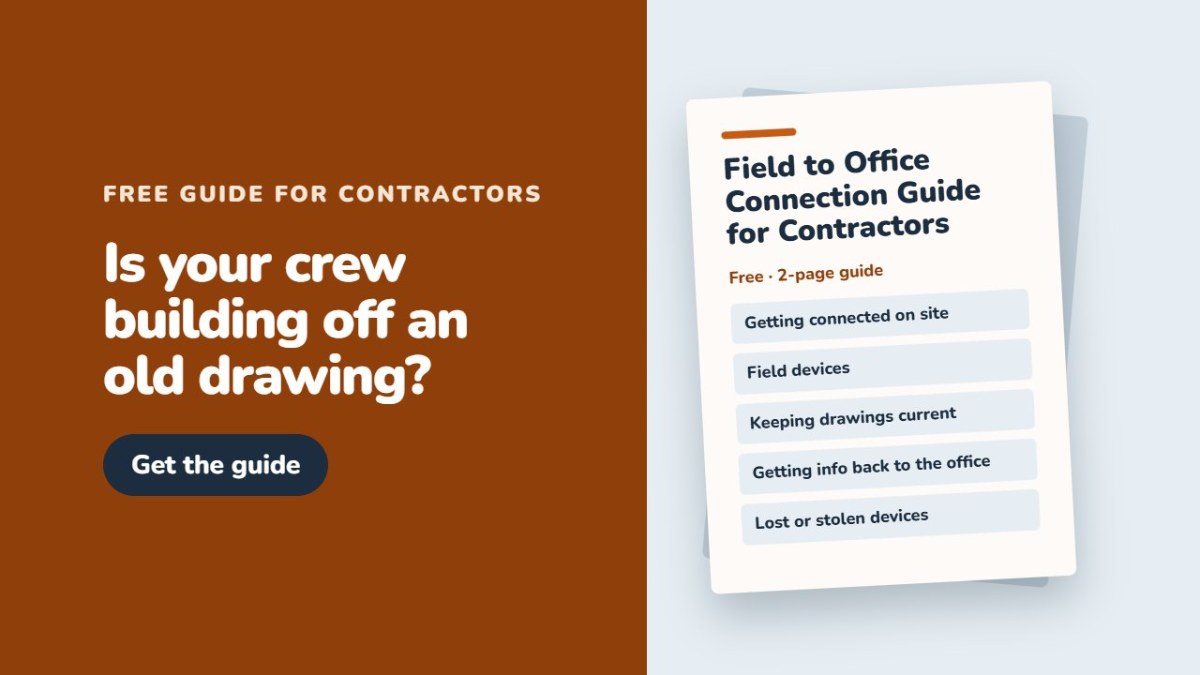
Field to Office Connection Guide
Keep crews off old drawings. Get tablets, hotspots, and Bluebeam working, so RFIs and photos make it back to the office.
Download Free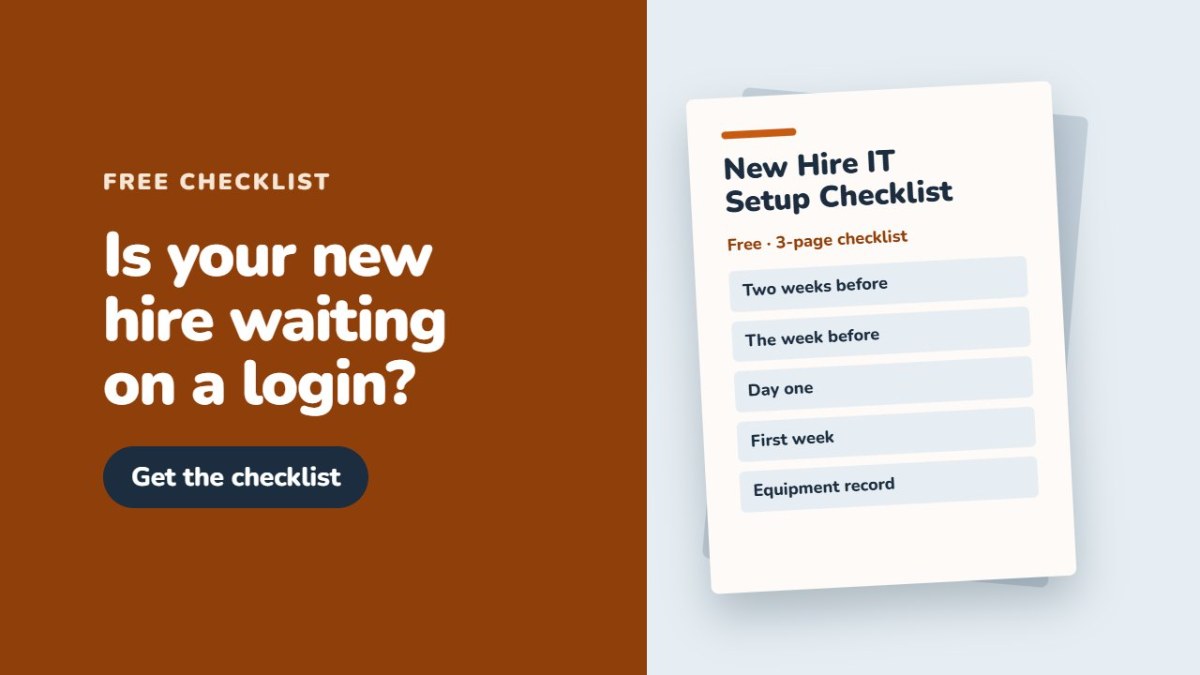
New Hire IT Setup Checklist
Computer, accounts, software, and security, all ready before day one. Your new hire starts working, not waiting.
Download Free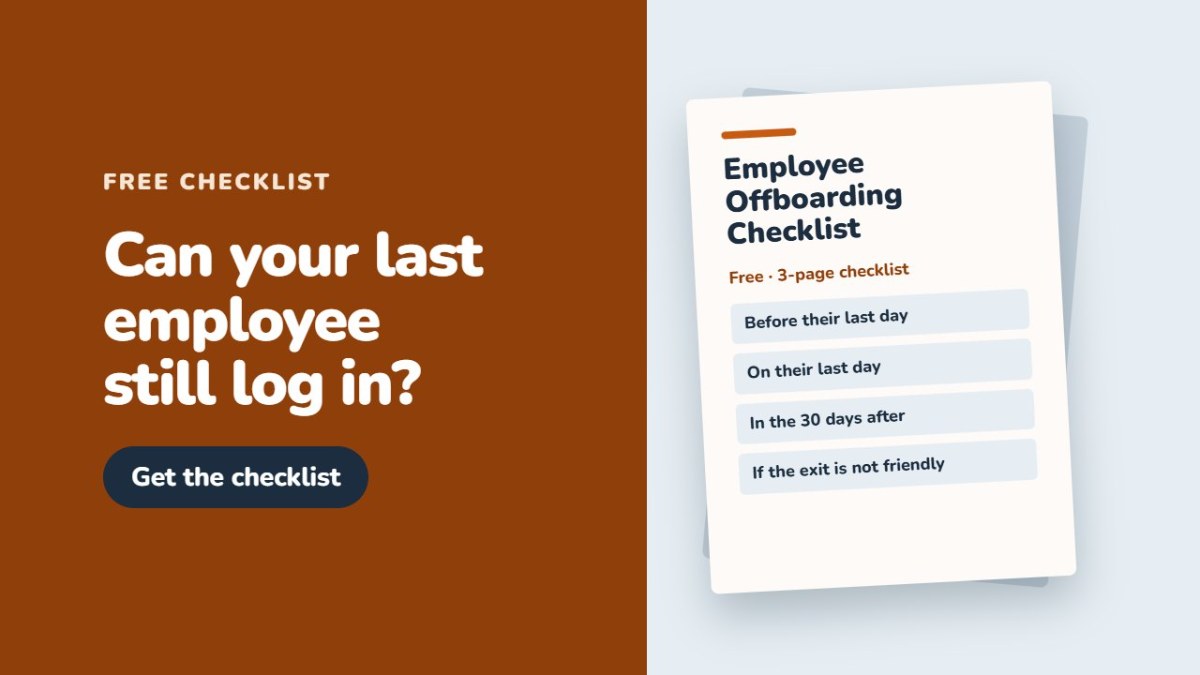
Employee Offboarding Checklist
Shut off email, Autodesk, and file access the day someone leaves. No open doors, and no paying for licenses nobody uses.
Download Free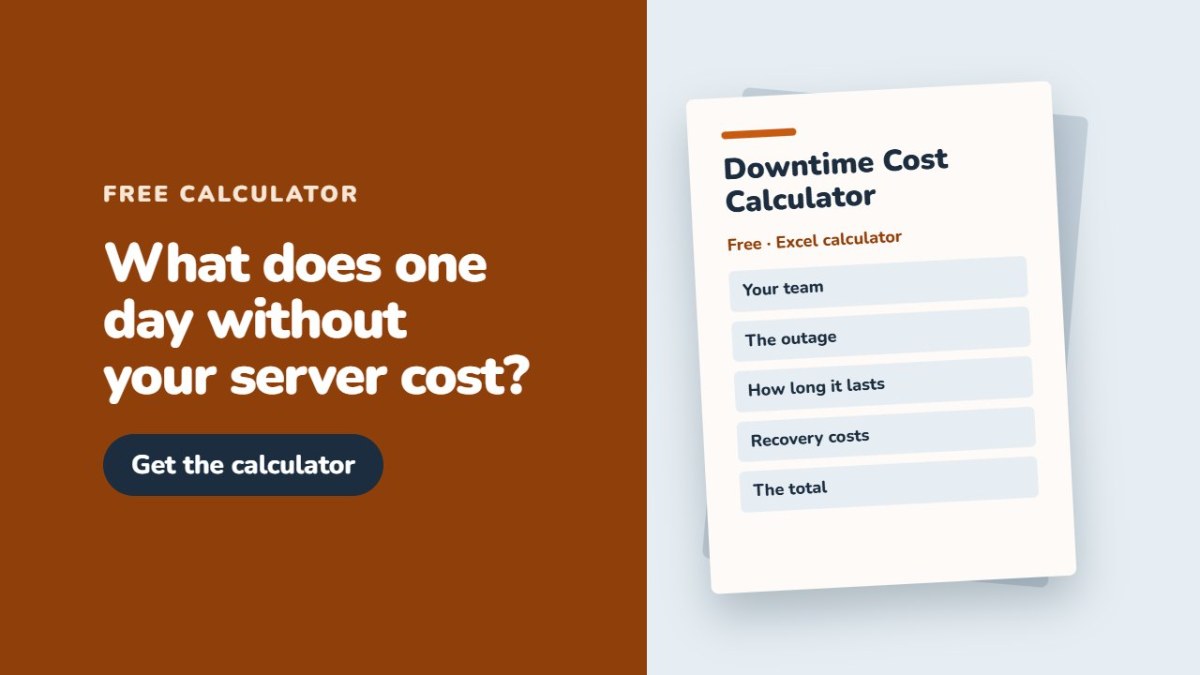
Downtime Cost Calculator
See what one day without your server or files costs, built around your own staff and billing rates. Know the number before it happens.
Download Free
Accidental IT Person Cost Calculator
Put a number on the billable hours your in house computer person loses fixing things. See what that side job really costs your firm.
Download Free
Small Firm IT Budget Template
Plan Autodesk and Bluebeam renewals, computer replacements, and security in one sheet. No surprise bills when something renews or dies.
Download Free
Annual IT Calendar
Renewals, backup tests, security reviews, and hardware planning, laid out month by month. Nothing slips because nobody remembered.
Download Free
Questions to Ask Any IT Company
What to ask before you hire IT help, from CAD experience to contracts. Spot a bad fit before you sign, not after.
Download FreeWhy MicroStation Kicks Out Some Users and Never Others
Two people get thrown out of MicroStation every week and nobody else does. It is not your internet. It is a Bentley licensing setting, a seven day clock, and what differs between two machines.
Which BIM Software to Buy: An Edition and Pricing Guide for Design Firms
Revit, Archicad, or Vectorworks for your small studio? A BIM buyer’s guide on editions, learning curve, pricing, Mac support, and the Revit version trap.
AutoCAD vs Revit: Do Architects Still Need Both?
Do architecture firms still need both AutoCAD and Revit? Where each earns its seat, how the Architecture, Engineering and Construction Collection and Flex tokens cut cost, and the seat changes Autodesk will not let you make mid term.
Hidden Costs of Switching Office Suites for a 25-Person Design Firm
Both cost $14 per seat. We model the true 3-year cost for a 25-person architecture firm, including the storage, AI, and migration costs nobody quotes you.
How to Set Up Two Monitors the Right Way for CAD Work
A second monitor is a big win for CAD, if you set it up right. How to check your card, match, connect, and arrange two screens for Revit and AutoCAD.
PDF to Plot: Why Your Prints Don’t Match What’s on Screen
Lines, colors, or scale wrong when you print from AutoCAD or a PDF? It is the plot style table and your PDF reader. Here is how to make prints match.