

The Phishing Emails Targeting Architecture and Engineering Firms
Fake Autodesk invoices, impersonated vendors, and wire fraud requests are aimed at small architecture and engineering offices specifically. Staff don’t recognize them because they look legitimate.

The email looks normal. An Autodesk invoice that needs paying. A note from a consultant you work with, asking you to update their bank details. A quick message from the owner: “Can you wire this today? I’m in a meeting.” Nothing about it screams danger. So someone clicks, or pays, and the money is gone.
This is not random spam. Attackers aim these emails at small architecture and engineering offices on purpose. They know your firm moves real money, trusts its vendors, and does not have a security team. That makes you a good target.
Here is the short version. Small architecture and engineering firms get hit with phishing emails built to look like the real thing: fake Autodesk invoices, messages from impersonated vendors asking you to change payment info, and urgent wire requests that look like they came from your boss. They work because they look legitimate, not because your staff is careless. The defense is simple but firm: slow down on anything involving money, verify payment changes by phone using a number you already have on file, turn on MFA everywhere, and make “we always call to confirm” a rule. Proactive habits beat one expensive mistake.
Below are the three scams you are most likely to see, how to spot them, and what to do.
Why your firm is a target
You might think your firm is too small to bother with. The opposite is true. Attackers go after small firms on purpose, because small firms move real money and rarely have strong defenses. You are a small fish, but the pond is full of people fishing.
Architecture and engineering firms fit the profile. You pay consultants, vendors, and subs. You send and receive invoices all day. You trust the people you work with. Attackers know all of that, and they use it. This is what we call business email compromise (BEC, scams that use fake or hacked email to trick a firm into sending money or data).
The numbers back this up. In the FBI’s 2024 crime report, BEC caused $2.77 billion in reported losses, second only to investment fraud. And Abnormal Security, an email security company, found that about 68% of its construction and engineering customers got at least one fake vendor email attack in the first half of 2024.
So this is not a knock on your team. It is the reality of being a firm that handles money in an industry criminals have learned to mimic.
They work because they look legitimate, not because your staff is careless.
Scam 1: The fake Autodesk invoice
Autodesk bills are a normal part of life at a design firm, which is exactly why this one works. An email shows up that looks like it is from Autodesk. An invoice is due. Your subscription needs renewing. Click here to pay or your software stops.
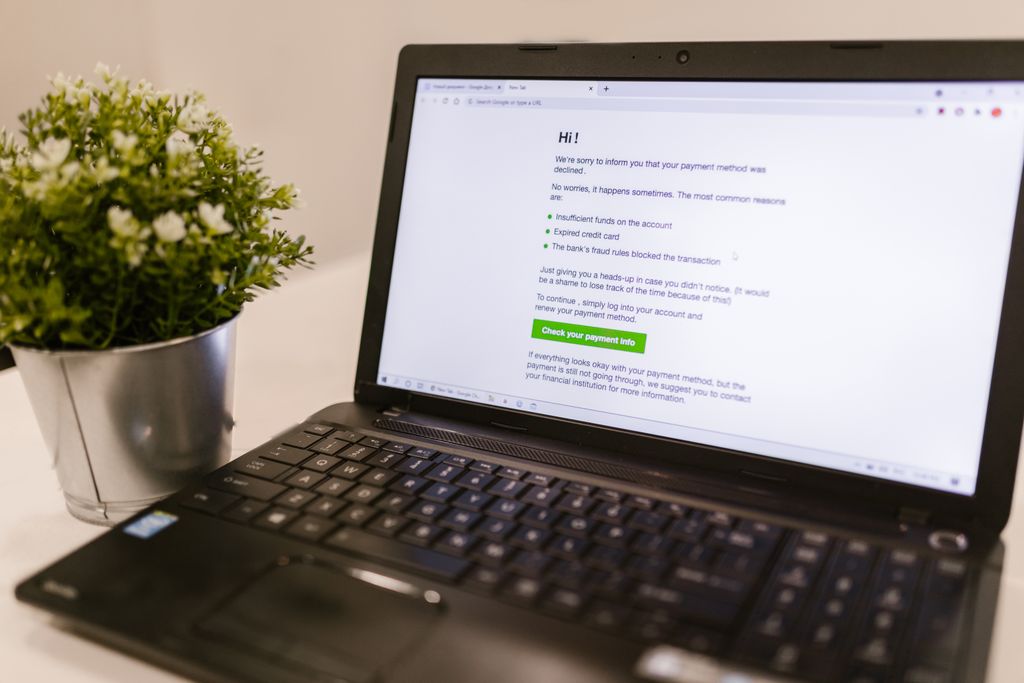
Here is how it tricks people. It uses the Autodesk name and look. It creates urgency, because nobody wants Revit to shut off mid-deadline. And it sends you to a fake page that either steals your login or takes a payment.
For example, let’s say the email says “Your invoice is ready for review” with a button or a QR code. You click, and you land on a page that looks like a Microsoft or Autodesk sign in. You type your password, and maybe your MFA code too. Now the attacker has both. That fake login trick is the heart of most of these. Autodesk warns customers about scammers posing as Autodesk and its partners, and says it only contacts you through official channels.
The tells. Pressure to pay right now. Payment by wire, gift card, or crypto. A deal or discount that is not on the real Autodesk site. A link or QR code instead of your normal account page. You should never pay or log in from an email link. Go to your Autodesk account directly, in your own browser, and check there.
Scam 2: The impersonated vendor and the changed bank account
This one is quieter and more expensive. It targets the way your firm pays the people it works with.
Here is the play. A vendor, consultant, or sub you already work with sends an email: “We’ve updated our banking. Please send future payments to this new account.” The email looks like it came from your real contact. The logo is right. The tone is right. So accounting updates the account and pays the next invoice. The money goes straight to the attacker.
Sometimes the attacker has actually broken into the vendor’s email, so the message really does come from their address. Sometimes they just imitate it with a lookalike. Either way, the request feels normal, because changing bank info does happen in real business.
This one can be the most expensive, because the amounts are large and the request looks routine. You should treat any change to payment details as a stop sign, every single time. We go deeper on this one in our post on wire fraud in construction.
Scam 3: The urgent request from the “owner”
The third one preys on hierarchy and helpfulness. An email or text comes in that looks like it is from the owner or a principal. “I need you to wire this today. I’m tied up and can’t talk. Keep it between us for now.”
It works because people want to help the boss, and the urgency shuts down second-guessing. The “keep it quiet” part is the giveaway. It is designed to stop the one thing that would catch it: a quick check with someone else.
For example, let’s say a new bookkeeper gets this on a Friday afternoon. The boss is “unreachable.” The request is urgent and confidential. That pressure is the whole trick. A real owner will not mind a phone call to confirm. An attacker is counting on you not making one.
How to spot them: the common threads
You do not need to memorize every scam. They share a handful of signs.
They push urgency. Pay now, sign now, before something bad happens. Real business rarely needs you to skip every check.
They involve money or logins. A payment, a bank change, a password, a sign-in. Anything touching money or access deserves a second look.
They change the normal process. A new account, an unusual payment method, a link instead of your usual portal, a request to keep it quiet.
They lean on trust. They wear the face of a brand you use, a vendor you know, or a boss you answer to. The familiarity is the weapon.
When you see those threads together, slow down. Urgency plus money plus a changed process is the shape of almost every one of these.
Free download: Phishing Poster Set
Printable posters that help your team spot phishing emails before anyone clicks.
What to do about it
None of this is complicated. Together, these habits make your firm a much harder target.
Verify payment changes by phone, always. This is the big one. Any request to change bank details or send an unexpected wire gets confirmed by a phone call. Use a number you had on file before the request came in, like the one in the contract or vendor file. Never use a number from the email or its signature. This is what we call a callback rule, and the FBI recommends it. Make it a firm policy, not a judgment call.
You call them, not the other way around. A phone call can be faked too. The FBI has warned that criminals now use AI to copy a person’s voice. So if the “owner” or a vendor calls asking for money, hang up and call back on the number you know.
Use two sets of eyes on big payments. Any wire over a set amount should need a second person to approve it. One rushed person can be fooled. Two people checking each other are much harder to fool.
Turn on MFA everywhere. Multifactor authentication (MFA, a second step to log in beyond your password) means a stolen password alone is not enough to get into your email. That makes it a must. But know its limit. The fake login pages in Scam 1 can grab your code along with your password, in real time. The kind of MFA a fake page cannot steal is a security key or passkey (a small device or phone sign in that only works on the real website). We cover this in our post on what small firms get wrong about passwords.
Never log in or pay from an email link. Go to the real site yourself, in your own browser. For Autodesk, open your account directly. For a bank, type the address you know. Links and QR codes in emails are how the fake pages get you.
Slow down on anything urgent about money. Urgency is the trick. You should give yourself permission to pause, check the sender’s real email address, and confirm before acting. A real vendor will wait five minutes. A scammer is counting on you not to.
Train the whole team, and make it safe to ask. Everyone who touches email or money should know these three scams. And nobody should ever feel dumb for double-checking. The firms that get burned are the ones where people were afraid to question an “urgent” request.
If someone typed a password into a fake page, act just as fast. Change that password right away. Then sign the account out everywhere, so the attacker gets kicked off too. Check the mailbox for new forwarding rules, since attackers often add one to quietly watch your email. And tell whoever handles your IT within the hour.
If money already moved, act fast. Call your bank right away and ask them to recall the wire and contact the receiving bank. Then report it to the FBI at ic3.gov the same day. The FBI team that freezes stolen funds works best on wires reported within about 72 hours, so hours matter. Tell your cyber insurer too, since they will want to hear about it fast.
Frequently asked questions
We will help you shut these down
You should not have to be a security expert to keep your firm’s money safe. The fixes here are mostly habits and a few settings: MFA turned on, email filtering that catches the fakes, and a simple callback rule everyone follows. The hard part is setting it up right and making it stick.
We help small architecture, engineering, and construction firms lock down email, turn on the right protections, and train staff to spot these scams. Based in East Tennessee. Serving firms nationwide. So your team can focus on the work, not on second guessing every invoice.
If these emails are showing up in your inboxes, give us a call. We will help you tighten things up. For the bigger security picture, see our post on answering a cyber insurance questionnaire.
Key takeaways
- Small design firms are targeted on purpose with three main scams: fake Autodesk invoices, impersonated vendors asking you to change bank details, and urgent wire requests that look like they came from the owner. They work because they look legitimate, not because your staff is careless.
- They share a pattern: urgency, something involving money or logins, a changed process, and a trusted face. When you see those together, stop and verify before you act.
- The defense is mostly habits. Confirm every payment change by phone using a number you had on file, turn on MFA, never pay or log in from an email link, and if money already moved, call the bank and report to ic3.gov within 72 hours.
Would your staff spot a fake Autodesk invoice?
We lock down email, turn on the right protections, and train your team to spot these scams before they cost you. No obligation, no sales pitch.
Sources: FBI: Business Email Compromise, 2024 Internet Crime Report (FBI IC3), Criminals Use Generative AI to Facilitate Financial Fraud (FBI IC3), Autodesk Security Advisory: General Scam Warning (2025), H2 2024 Email Threat Report: vendor email attacks by industry (Abnormal Security), Implementing Phishing Resistant MFA (CISA), Rapid Response Program fact sheet (FinCEN)
2 Comments