
IT Support for Engineering Firms
Stop spending engineering hours on IT problems.
Every hour an engineer spends waiting on a frozen computer is an hour you can’t bill.
So downtime doesn’t come out of an IT budget. It comes out of profit.
Engineering runs on thin margins, and most firms work hard to keep their engineers billing.
Yet in a lot of firms, the IT work lands on an engineer anyway. A principal resets passwords. A senior engineer turns into the CAD and license admin. Nobody planned it. It just happened.
Aspen IT Group is an IT company that only works with architecture, engineering, and construction firms. We already know what a checkout is, what a workspace does, and why one bad morning shows up in your profit numbers. You spend less time explaining your software and more time getting back to work.

Who we help
We help civil, structural, MEP, transportation, and survey firms, plus consulting engineers. Some do DOT work. Some do land development and city work. Most don’t have a full time IT person. Or they pay an outside company that can install the software but doesn’t understand it.
We’re based in Knoxville and help firms in person across East Tennessee. We also support firms anywhere in the U.S. remotely, including fully remote teams that never share an office.
Does this sound familiar?
None of this means your firm is doing anything wrong. It’s what happens when engineers are busy engineering.
1
The server or internet goes down, and the whole office stops.
2
A ProjectWise checkout locks up, or someone thought a file was checked out and it wasn’t.
3
The same two people keep getting kicked out by a license screen. Nobody else does.
4
Remote engineers say the connection is so slow they’d rather drive in.
5
Your IT company can install software but has no idea what MicroStation or Civil 3D needs.
6
The servers get backed up. The engineers’ own computers don’t.
7
A client or insurance form asks about your security, and the answer is a guess.
If two or more of those hit home, keep reading.
What we do for your firm
Fast help when an engineer can’t work
Your team emails or calls us. We log the problem, own it, and follow up until it’s fixed. This is what we call a help desk.
And when an engineer can’t work at all, that’s not a normal ticket. It goes to the front of the line, and they hear back from someone who knows the software they run. You stop losing whole afternoons to one stuck file.
Fewer outages that stop the whole firm
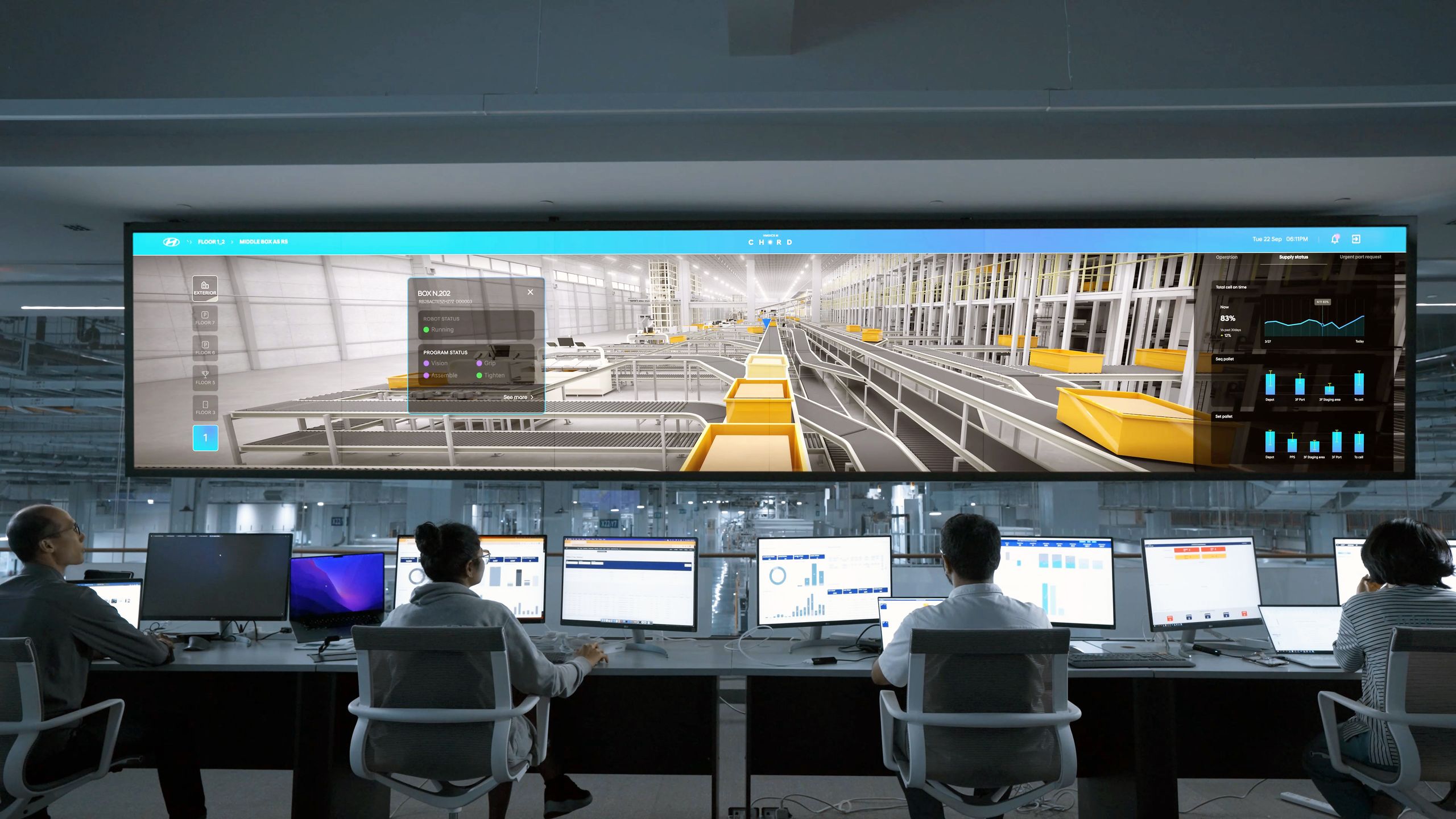
For example, let’s say your server or internet goes down at 9 a.m. If everyone works off that server, ten engineers sit idle. Three hours later, the firm has lost 30 billable hours. One engineering firm we talked with had something like this happen three or four times in one year.
We keep an eye on your servers, network, internet, and computers every day. A small program on each machine warns us when a drive starts to fail, space runs low, or an update is missing. This is called remote monitoring. We also keep Windows and your software up to date, which is called patching. Where it makes sense, we add a backup internet connection so one outage doesn’t send everyone home.
Workstations bought like production tools
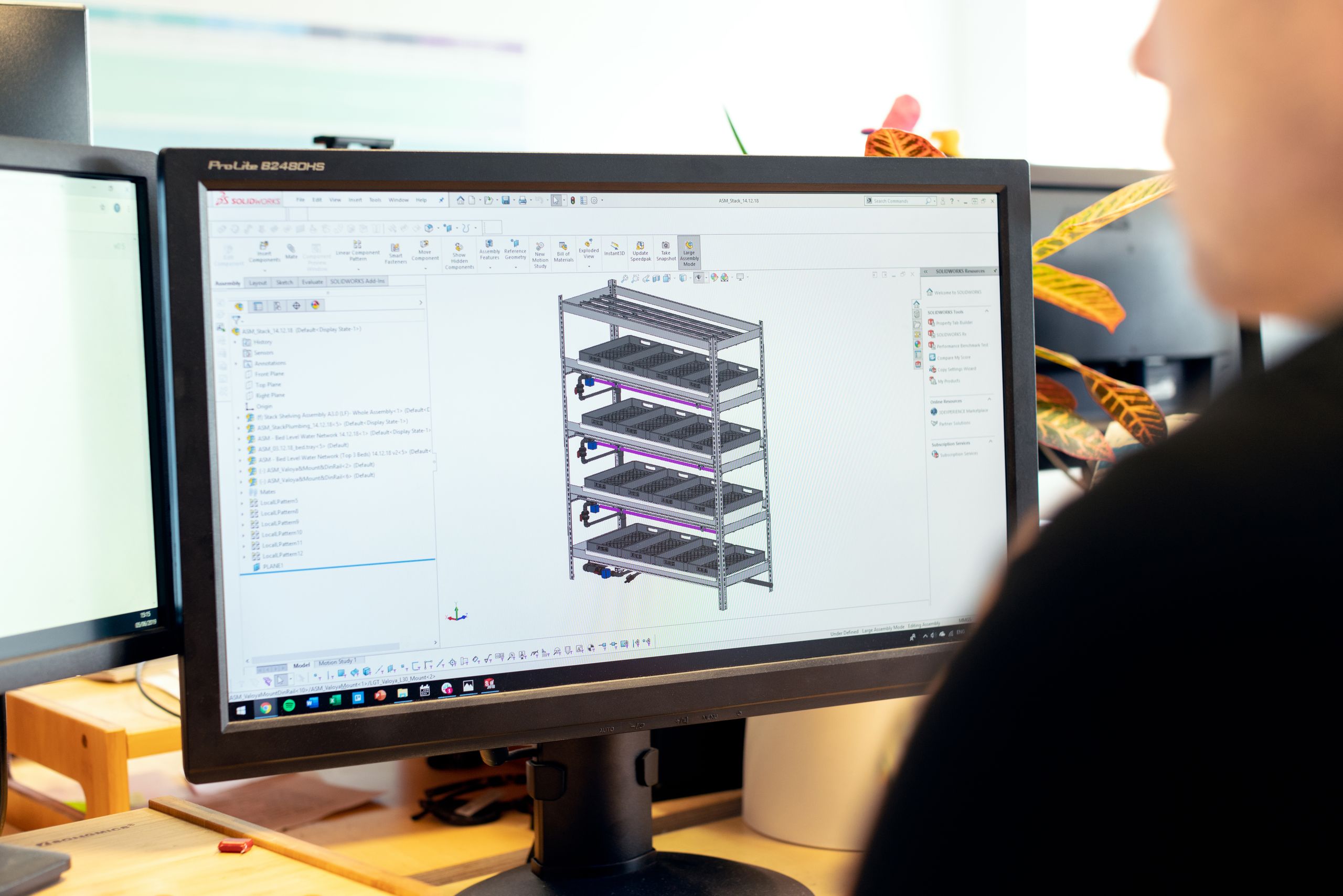
Engineering software needs real hardware. Think a fast processor, 64 GB of memory or more, a strong graphics card, fast storage, and two or three monitors.
But a faster computer doesn’t fix every slow day. One engineer we talked with had a powerful workstation that never felt slow. His real bottleneck was ProjectWise. So when someone says their computer is slow, we find out why before anyone buys anything. Then we tell you what to buy, what to skip, and when each machine is due for replacement. You stop paying for upgrades that don’t fix the problem.
Large project files that behave
Engineering firms make a lot of data. CAD files, surfaces, point clouds, survey data, aerials, plan sets, and years of archives. Where that data lives matters.
We help you decide what belongs on a file server, what belongs in ProjectWise or Autodesk Construction Cloud, and what belongs in cloud storage like Dropbox. We won’t move something to the cloud just because it sounds modern. We want it to work.
ProjectWise and DOT work
If you do DOT work, you probably live in ProjectWise. We know what a checkout is and how much a locked one costs.
We aren’t your ProjectWise administrator. But a lot of ProjectWise pain has an IT cause underneath. For example, a local cache that downloads huge aerial files again every time a project opens. Or a license screen that says offline mode isn’t allowed and kicks out the same two people every week. Those usually come down to how something was installed, set up, or connected. That part is our job.
We can also set folder permissions so an approved deliverable set can’t be changed by accident after QC.
Remote access that actually works
One engineer told us remote work was painful for months. He upgraded his home internet to gigabit. Nothing changed. The real fix was a better remote access program.
Large engineering files don’t care how fast your home internet is if the setup is wrong. Most of the time, the best setup lets the engineer log in to their office workstation from a light laptop at home. The file never leaves the office, so it opens just as fast. This is called remote desktop. We pick the right tools for how your team works and keep them running.
Backups for the server and every computer
One engineering firm we talked with was hit by ransomware. Their backups held, and that saved them. It still took about four days to get everyone back to work.
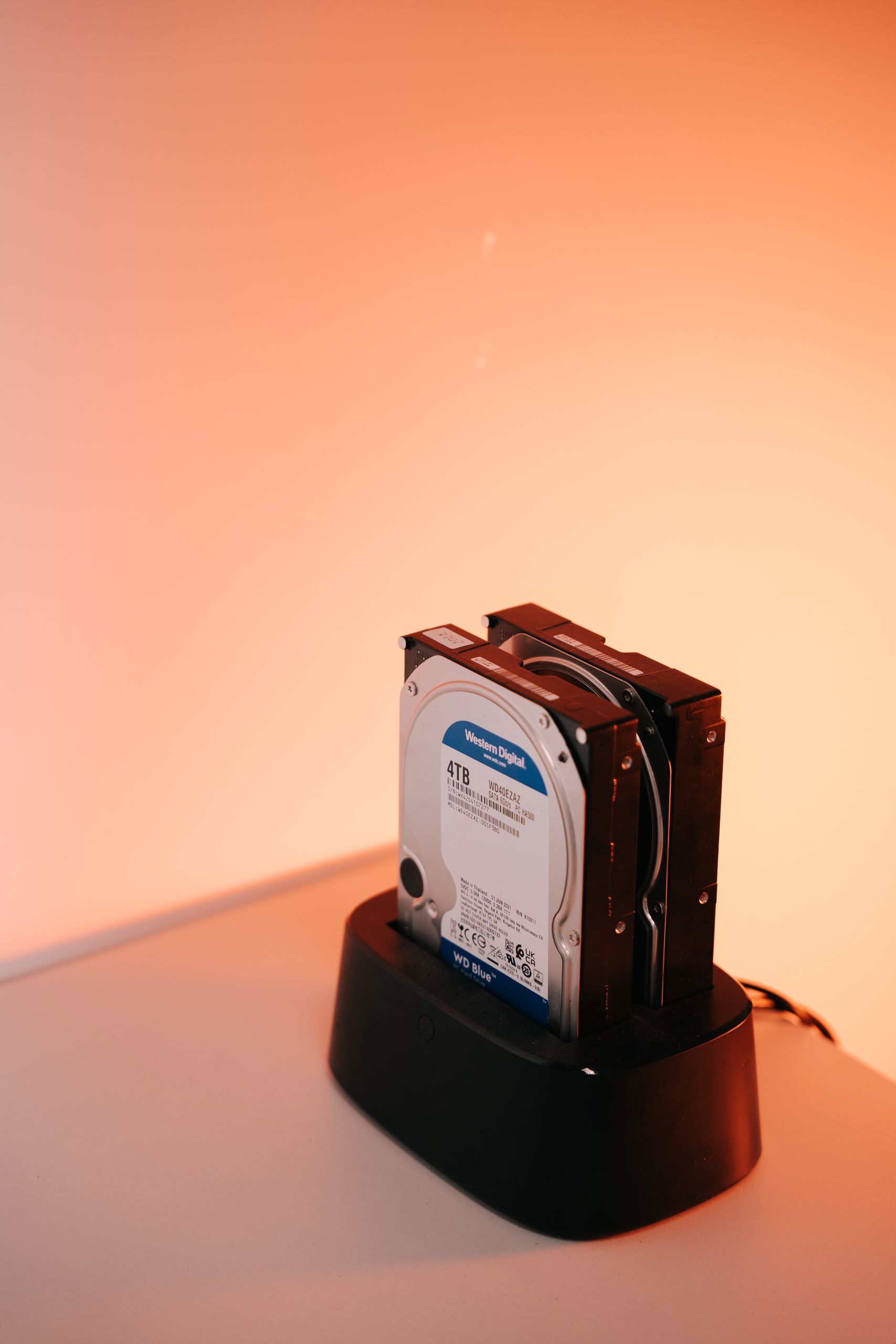
So we don’t just make backups. We plan how you get back up and running. We back up your servers and each engineer’s computer, since plenty of work lives on the local drive. We keep three copies in two places, with one copy offsite. IT people call this the 3 2 1 rule. We also keep a copy nobody can change or delete, not even ransomware. This is called an immutable backup.
Then we test it by actually restoring files. The question that matters isn’t whether you have a backup. It’s whether you can get the file back.
Land surveyors
Survey crews spend the day in the field. But the job isn’t done until that data is safe in the office. That handoff is where things go wrong. A data collector gets synced to the wrong folder. A field laptop holds the only copy of a job. A Trimble Business Center machine slows down after an update, or its license stops working.
That’s what IT for surveyors looks like to us. We set up a simple path for field data to come back to the office and land in the right project folder. We back up the office server and the field laptops, and we test that we can restore them. We keep your Trimble Business Center computers updated and running well. You run the survey. We keep the computers out of your way.
Security you can prove
Clients, insurers, and prime firms now send security forms before they’ll work with you. The worst time to find out what you have is while that form sits in your inbox.
We add a second step when people log in, like a code on their phone (MFA). We put protection on every computer, and we can add a security team that watches for attacks around the clock. We filter email for scams and give staff short training on how to spot them.
For example, let’s say your staff get an email that looks like it came from the owner, asking for a file or a quick favor. It isn’t from the owner. This is called spoofing, and we’ve already seen it at engineering firms. A few settings on your domain stop most of it. These are called SPF, DKIM, and DMARC.
Your team may also be using AI tools nobody approved. We help you write simple rules and put guardrails in place, so client and project data doesn’t end up somewhere it shouldn’t.

New hires and departures
We set up a computer, accounts, software, and your firm’s standard settings and toolsets for each new engineer. When someone leaves, we shut off their access, and their files stay with the firm.

Know what’s coming before it breaks
A firm shouldn’t find out that six workstations and a server all need replacing in the same month. We help you plan hardware, licenses, security, and next year’s IT budget. You get fewer emergency purchases and fewer surprises.
Software we keep running
We aren’t engineering software consultants. We don’t design roads, size beams, or set your CAD standards. What we know is what these programs need from the computers, network, and storage underneath them:
- Civil 3D
- AutoCAD
- MicroStation
- OpenRoads Designer
- ProjectWise
- Revit
- Bluebeam Revu
- ArcGIS
- Trimble Business Center
- Autodesk Construction Cloud
- Dropbox
- Microsoft 365
- Google Workspace
Use something not on this list? Ask us. The basics underneath are the same.
How we work with you
1
Free 30 minute IT Health Checkup.
We ask how your firm works and what keeps breaking. No sales pitch.
2
We look at what you have.
Computers, servers, accounts, backups, network, and email settings. We tell you what’s fine, what’s risky, and what’s not worth fixing.
3
We set things up.
We install our tools, fix the urgent gaps, and write down how everything works.
4
We stay on it.
We watch your systems every day, fix problems, and check in at 30, 60, and 90 days. After that, we meet regularly to plan ahead.
What you can count on
Your stuff stays yours.
Your passwords, accounts, and records of how things are set up belong to you. If you ever leave, you take all of it with you.
No private tools you can’t leave.
We won’t push you onto our own locked down systems. We use tools your firm could keep using without us.
We watch the machine, not your people.
Our monitoring checks computer health and lets us fix problems. We don’t use it to watch what your staff do.
A clear price.
We don’t post prices because the right setup depends on your firm. After the checkup, you get one clear monthly price.
What we don’t do
We aren’t an engineering software consultant. We don’t design, draft, or check the engineering inside a drawing. Your engineers know that work far better than we do.
We handle what sits underneath it: computers, servers, network, storage, accounts, backups, security, and remote access. When the technology underneath is the problem, that’s our lane.
Questions engineering firms ask us
Do you understand DOT work?
Yes. We know how DOT projects run through ProjectWise, OpenRoads, and Bluebeam, and why a locked file during submittal week is a big deal.
We use Google Workspace. Do we have to switch to Microsoft?
No. We support both. Some firms use Google Workspace to match their state DOT, and that’s fine.
Can you replace the IT company we have now?
Yes. We can take over completely, or start with the problems they can’t solve.
Can you support a fully remote team?
Yes. We set up and support every computer over the internet, one person at a time.
We also help
Engineers work with architects and builders all the time. We also help those firms keep their computers and files working.
- IT support for architecture firms: Revit, project files, and workstations that keep running so your team can design.
- IT support for construction companies: the office and the field on the same page, with checks that help catch payment fraud before money moves.
Not sure where you fit? See all the firms we serve.

What changes for your firm
Engineers engineer. Files open. One outage doesn’t stop the whole office. Backups get tested. Security forms have real answers. And the principal who’s been doing IT on nights and weekends is free to get back to the work clients pay for.
Talk with Aspen IT Group
If IT problems are eating into billable time, or IT has landed on an engineer who should be engineering, let’s talk.
Book a free 30 minute IT Health Checkup. We’ll look at what you have, find what’s worth fixing, and tell you honestly if something isn’t.
Not ready to talk yet? Take our 3 minute firm risk assessment and see where you stand.