
IT Support for Architecture Firms
Keep your architects designing, not fixing computers.
You didn’t start an architecture firm to fix computers. But somebody has to do it.
In most firms, that job lands on the owner, the office manager, or the one architect who is good with tech.
That works for a while. Then the firm grows. A Revit model takes five minutes to open. A backup quietly stops running. An insurance form asks questions nobody can answer.
Aspen IT Group is an IT company that only works with architecture, engineering, and construction firms. We take IT off your plate so your team can focus on the work, not the technology.
Who we help
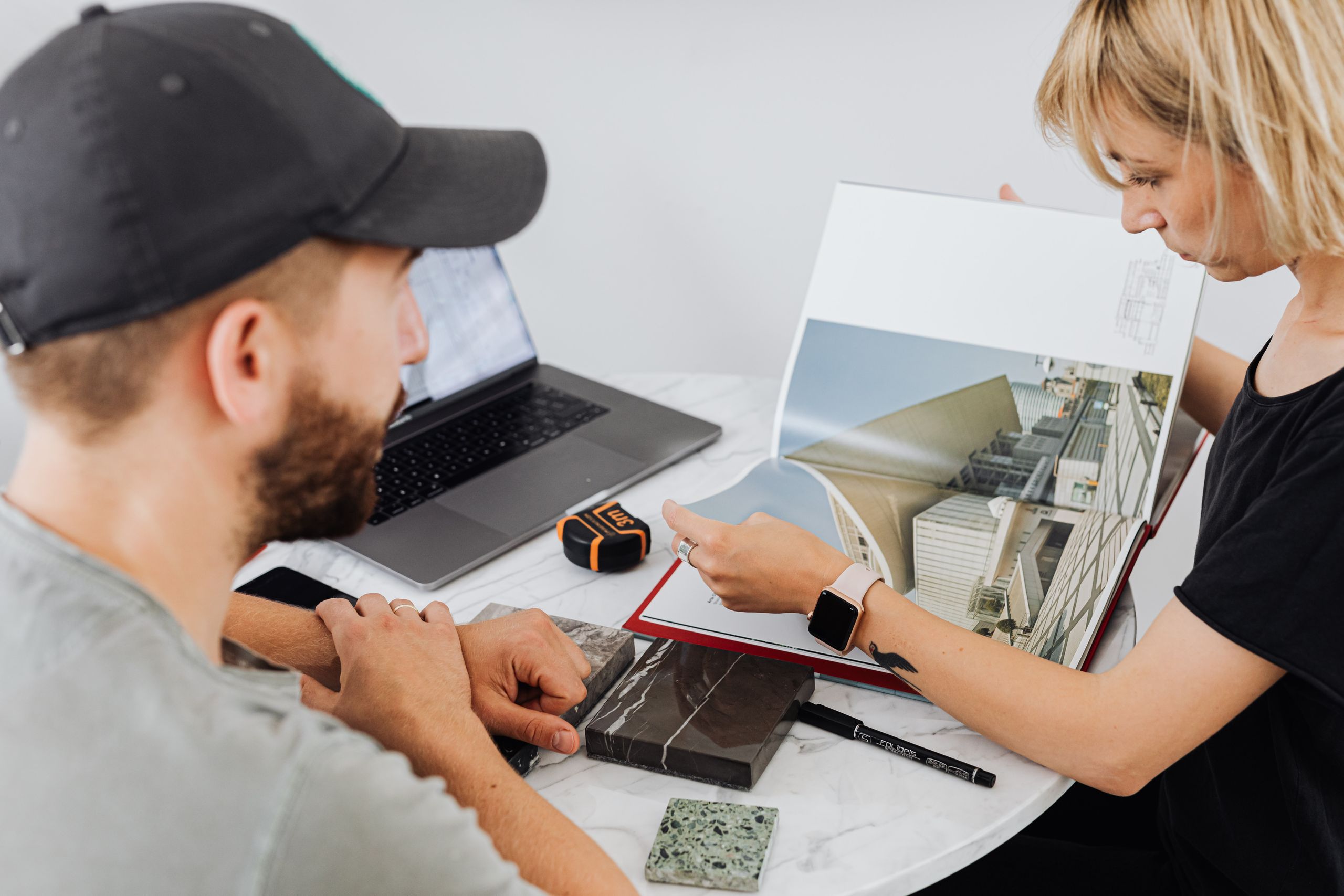
We help architecture firms that don’t have a full time IT person. Usually someone on staff ended up with the job by accident. They may be good at it. But it pulls them away from billable work, and it follows them home at night.
We’re based in Knoxville and help firms in person across East Tennessee. We also support firms anywhere in the U.S. remotely, since most IT work happens over the internet anyway.
Does this sound familiar?
None of this means your firm is doing anything wrong. These are normal growing pains for a busy firm.
1
A Revit model takes forever to open, and nobody knows why.
2
A designer’s computer crashes the same week a deadline hits.
3
You think the project files are backed up. Nobody has ever tried to get one back.
4
Staff say working from home is painfully slow.
5
A client or insurance form asks if you use MFA, and you’re not sure what that means.
6
You spend a Friday afternoon fixing an Autodesk license instead of your own projects.
If two or more of those hit home, keep reading.
What we do for your firm
One place to go when something breaks
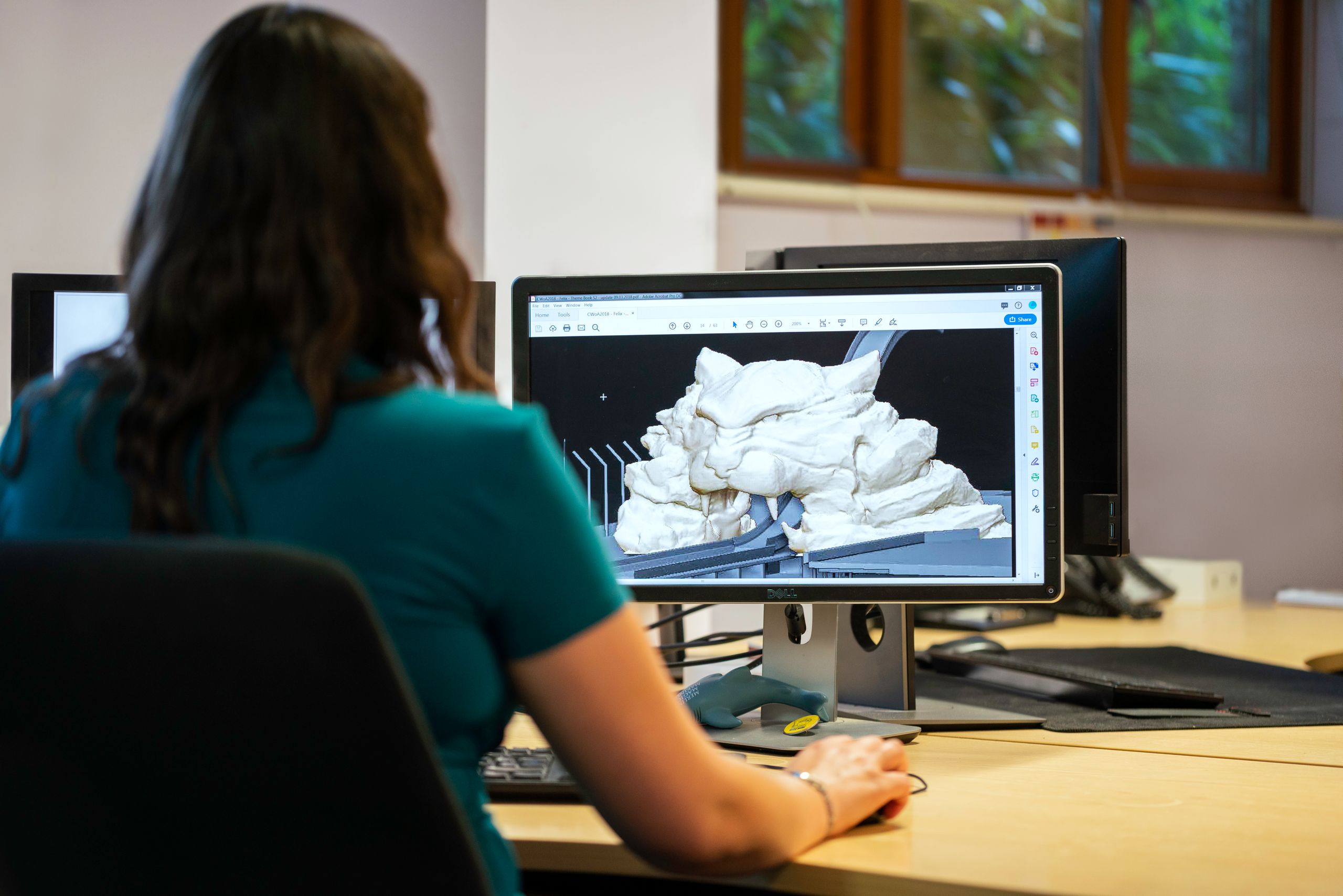
Your team emails or calls us. We log the problem, own it, and follow up until it’s fixed. This is what we call a help desk. No more requests mentioned in the hallway and forgotten. You’re freed from being the person everyone walks over to.
Problems caught before they stop work
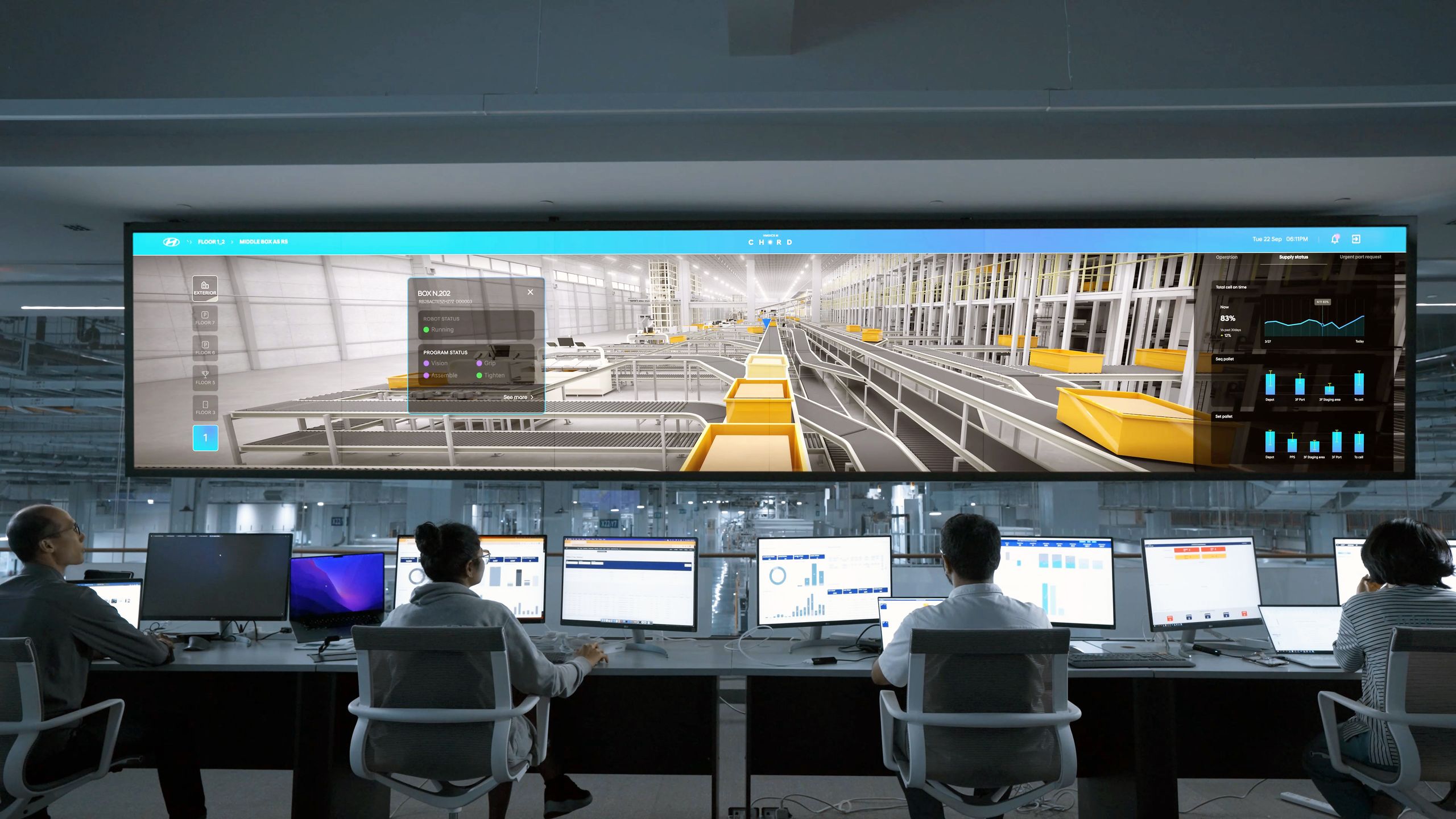
We install a small program on each computer that keeps an eye on its health. It warns us when a drive starts to fail, when space runs low, or when an update is missing. This is called remote monitoring. We also keep Windows and your software up to date, which is called patching. Most problems get fixed before anyone notices. You stop finding out on deadline day.
Workstations that fit the work
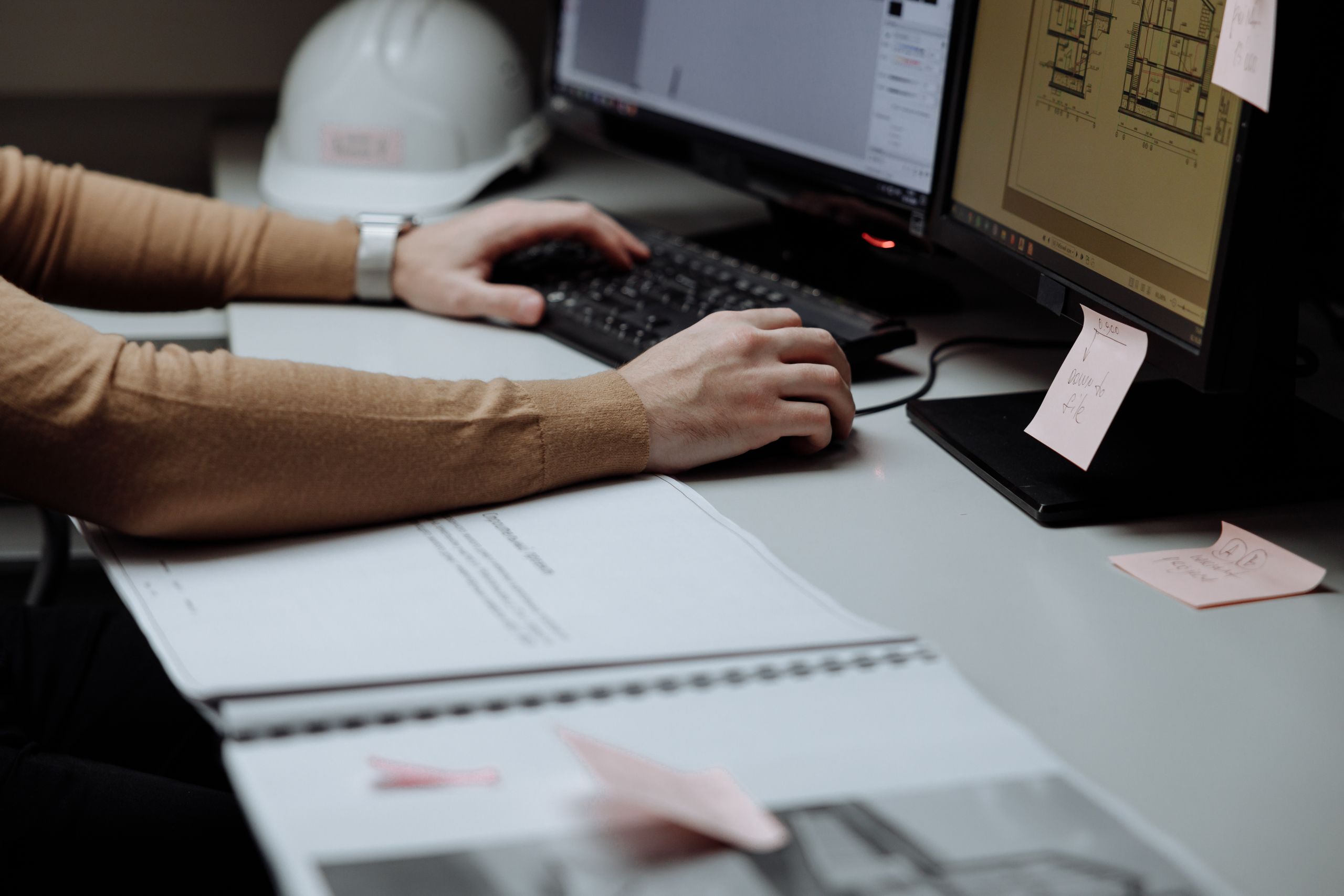
A Revit workstation isn’t a front desk laptop. It needs the right processor, memory, graphics card, and fast storage.
When someone says their computer is slow, we find out why before anyone buys anything. Sometimes it’s the computer. Often it’s the network, the file server, where the file lives, or the remote access program. Then we tell you what to buy and what to skip. You stop paying for upgrades that don’t fix the problem.

Backups you can actually restore
Your project files are years of work. We back them up automatically, from the server and from each designer’s computer. We keep three copies in two places, with one copy offsite. IT people call this the 3 2 1 rule. We also keep a copy that nobody can change or delete, not even ransomware. This is called an immutable backup.
Then we test it by actually restoring files. A backup nobody has tested is still a guess. You stop hoping and start knowing.

Remote work that doesn’t drag
Pulling a big Revit model over a home internet connection is slow no matter how fast the internet is. The fix is usually the setup, not the speed.
For example, let’s say a designer works from home two days a week. Instead of dragging the model across a VPN, they log in to their office workstation from home and work on it there. The file never leaves the office, so it opens just as fast. This is called remote desktop. Other teams do better with Autodesk Construction Cloud or cloud storage. We help you pick what fits, set it up, and keep it working.

Security that doesn’t slow you down
Architecture firms hold contracts, client info, and logins to outside systems. One stolen Microsoft 365 password can be enough to cause real damage.
We add a second step when people log in, like a code on their phone (MFA). We put protection on every computer, and we can add a security team that watches for attacks around the clock. We filter email for scams and give staff short training on how to spot them.
We also fix the settings that stop strangers from sending email that looks like it came from your firm. These are called SPF, DKIM, and DMARC. Many firms we check are missing at least one.
The goal isn’t to make your firm harder to work in. It’s to make it harder to break into.

New hires ready to work
A new architect shouldn’t spend their first morning waiting for an Autodesk login. We set up the computer, accounts, email, software, and folder access before they show up. When someone leaves, we shut off their access the same day and keep the files they made. You get one less thing to remember during a busy week.
One call for your other vendors
Internet down? Printer acting up? License problem? We call the internet provider, the printer company, or the software reseller for you. You stop playing phone tag.
A plan, not just repairs
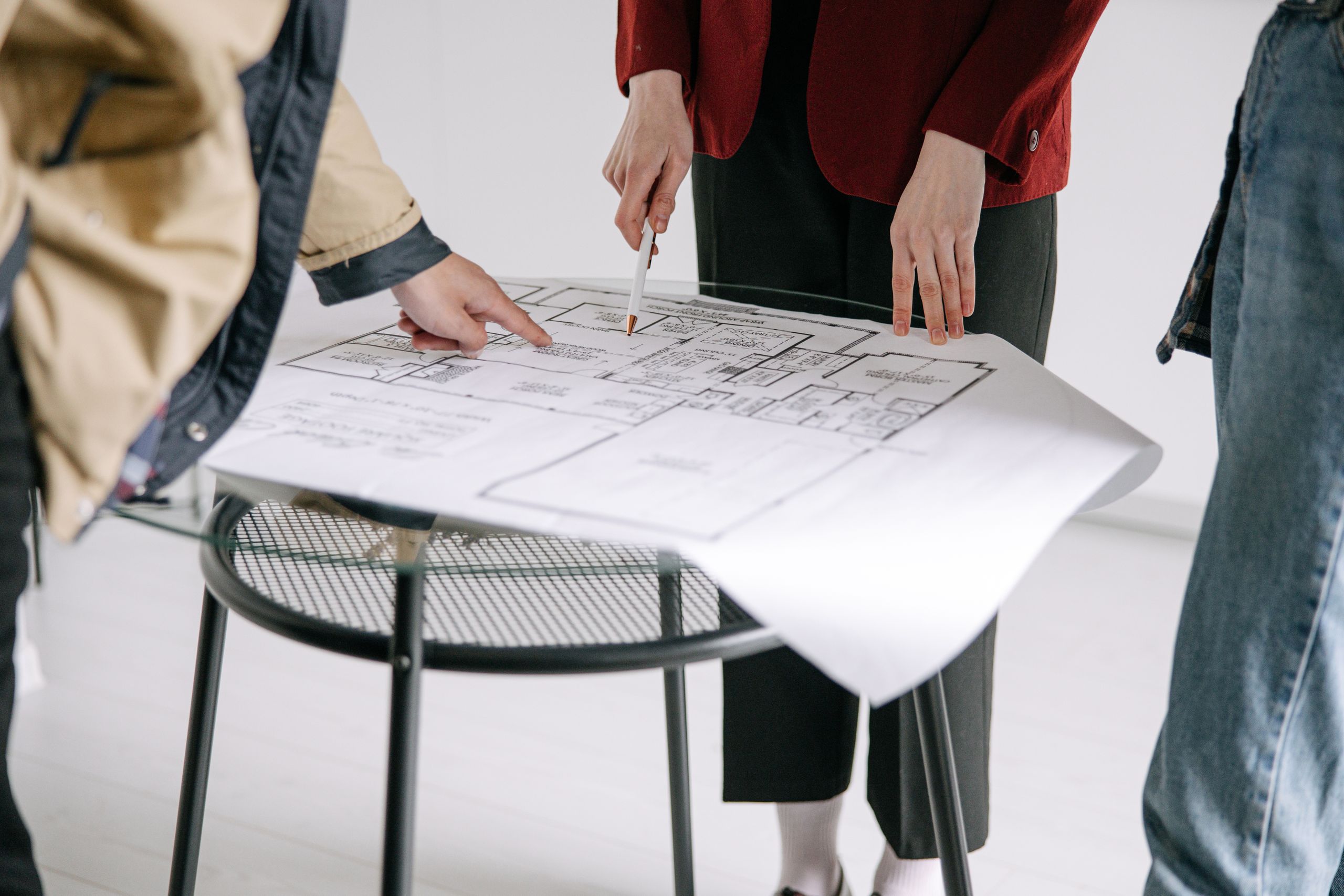
We meet with you to look ahead. Which workstations need replacing this year? Is your server still the right place for project files? Should a workflow move to Autodesk Construction Cloud? Are you paying for licenses nobody uses? What should you budget for next year? You make those calls before they turn into emergency purchases.
Software we keep running
We aren’t Revit experts. We don’t teach your team to model. What we know is what these programs need from the computers, network, and storage underneath them:
- Revit
- AutoCAD
- ArchiCAD
- SketchUp
- Enscape
- Bluebeam Revu
- Autodesk Construction Cloud
- Adobe Creative Cloud
- Microsoft 365
- Google Workspace
Use something not on this list? Ask us. The basics underneath are the same.
How we work with you
1
Free 30 minute IT Health Checkup.
We ask how your firm works and what keeps breaking. No sales pitch.
2
We look at what you have.
Computers, accounts, backups, network, and email settings. We tell you what’s fine, what’s risky, and what’s not worth fixing.
3
We set things up.
We install our tools, fix the urgent gaps, and write down how everything works.
4
We stay on it.
We watch your systems every day, fix problems, and check in at 30, 60, and 90 days. After that, we meet regularly to plan ahead.
What you can count on
Your stuff stays yours.
Your passwords, accounts, and records of how things are set up belong to you. If you ever leave, you take all of it with you.
We watch the machine, not your people.
Our monitoring checks computer health and lets us fix problems. We don’t use it to watch what your staff do.
Straight answers.
If something isn’t worth buying, we’ll tell you.
A clear price.
We don’t post prices because the right setup depends on your firm. After the checkup, you get one clear monthly price.
What we don’t do
We aren’t your CAD or BIM consultant. We don’t model, draft, fix families, or tell your architects how to design. Your team knows that work far better than we do.
We handle what sits underneath it: computers, accounts, storage, network, security, backups, and remote access. That’s our lane, and we stay in it.
Questions architecture firms ask us
Do we have to replace everything we have now?
No. We start with what you have and only suggest changes that fix a real problem.
Can you work alongside our current IT person?
Yes. Many firms have someone on staff who knows the systems. We take the daily load off them and back them up.
Do you only work in Knoxville?
No. We help firms in person across East Tennessee and remotely anywhere in the U.S.
Do we have to use Microsoft 365?
No. We support Microsoft 365 and Google Workspace.
We also help
Architects work with engineers and builders all the time. We also help those firms keep their computers and files working.
- IT support for engineering firms: Civil 3D, MicroStation, and large project files that keep working so engineers can bill.
- IT support for construction companies: the office and the field on the same page, with checks that help catch payment fraud before money moves.
Not sure where you fit? See IT for architects, engineers, surveyors, and contractors.
What changes for your firm
Files open when people need them. Workstations get replaced before they fail. Backups get tested. New hire setup is planned before they start. Security questions have answers. And the owner gets to be an architect again, free from late nights spent fixing computers.
Talk with Aspen IT Group
If IT has become one more job on the owner’s or office manager’s plate, let’s talk.
Book a free 30 minute IT Health Checkup. We’ll look at what you have, find what’s worth fixing, and tell you honestly if something isn’t.
Not ready to talk yet? Take our 3 minute firm risk assessment and see where you stand.