
Your field crew can’t get to the plans on site.
The super is standing in the mud with a tablet that won’t sync. The office swears they sent the new set. Somebody builds off the old one. We make sure the field has the right plans, on devices that work, wherever the job is.
Book a Free 30 Minute Checkup Take the 3 Minute Risk Assessment
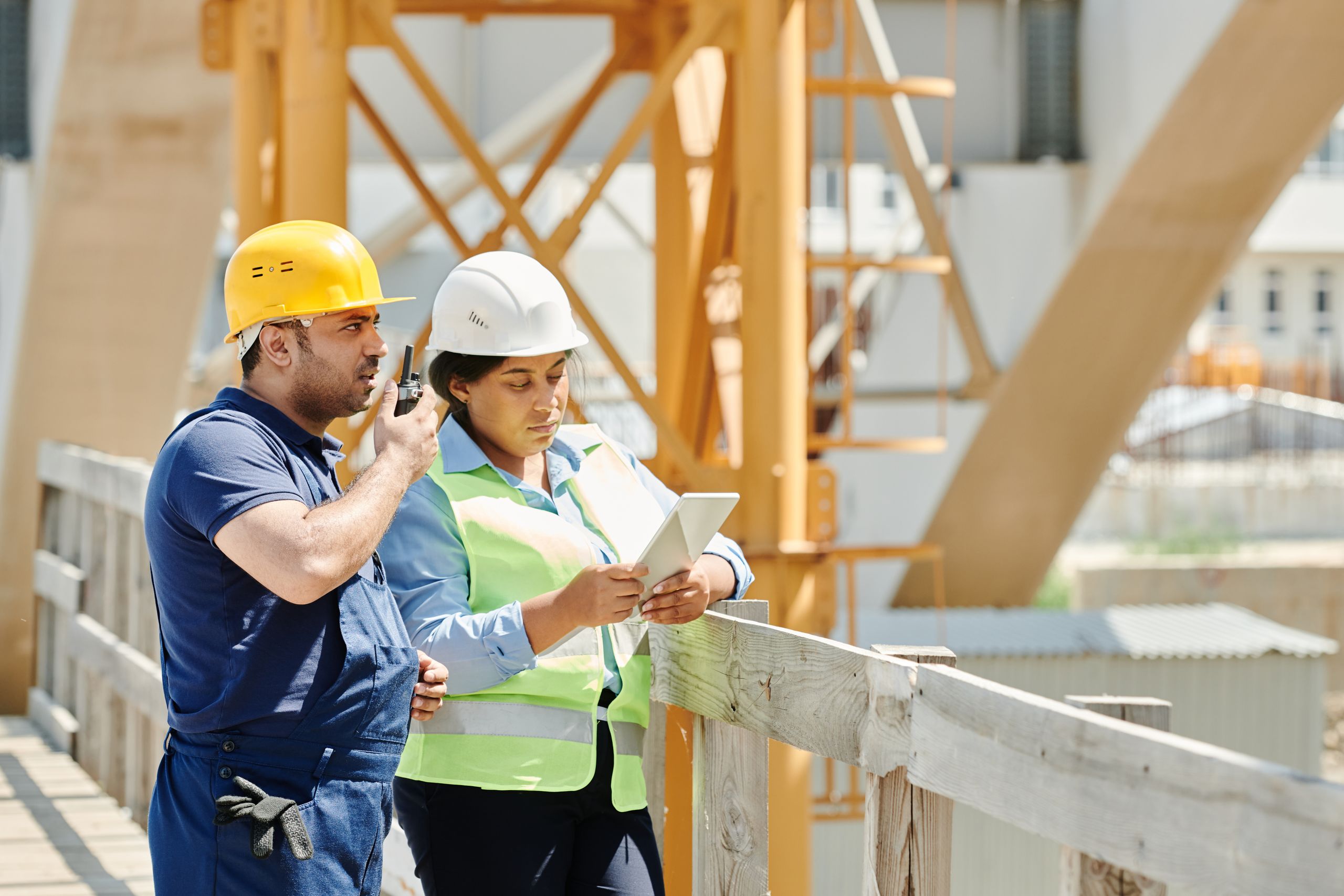
Sound familiar?
For example, let’s say the architect sends revised sheets on Tuesday. The office saves them to the server. Out on site, your super opens the plans on his iPad, but it last synced two weeks ago. The trailer internet is too slow to pull a 300 page set, so he calls the office. Someone emails him a few pages. By then the framing crew already worked off the old sheet. Now you’re paying to tear out a wall.
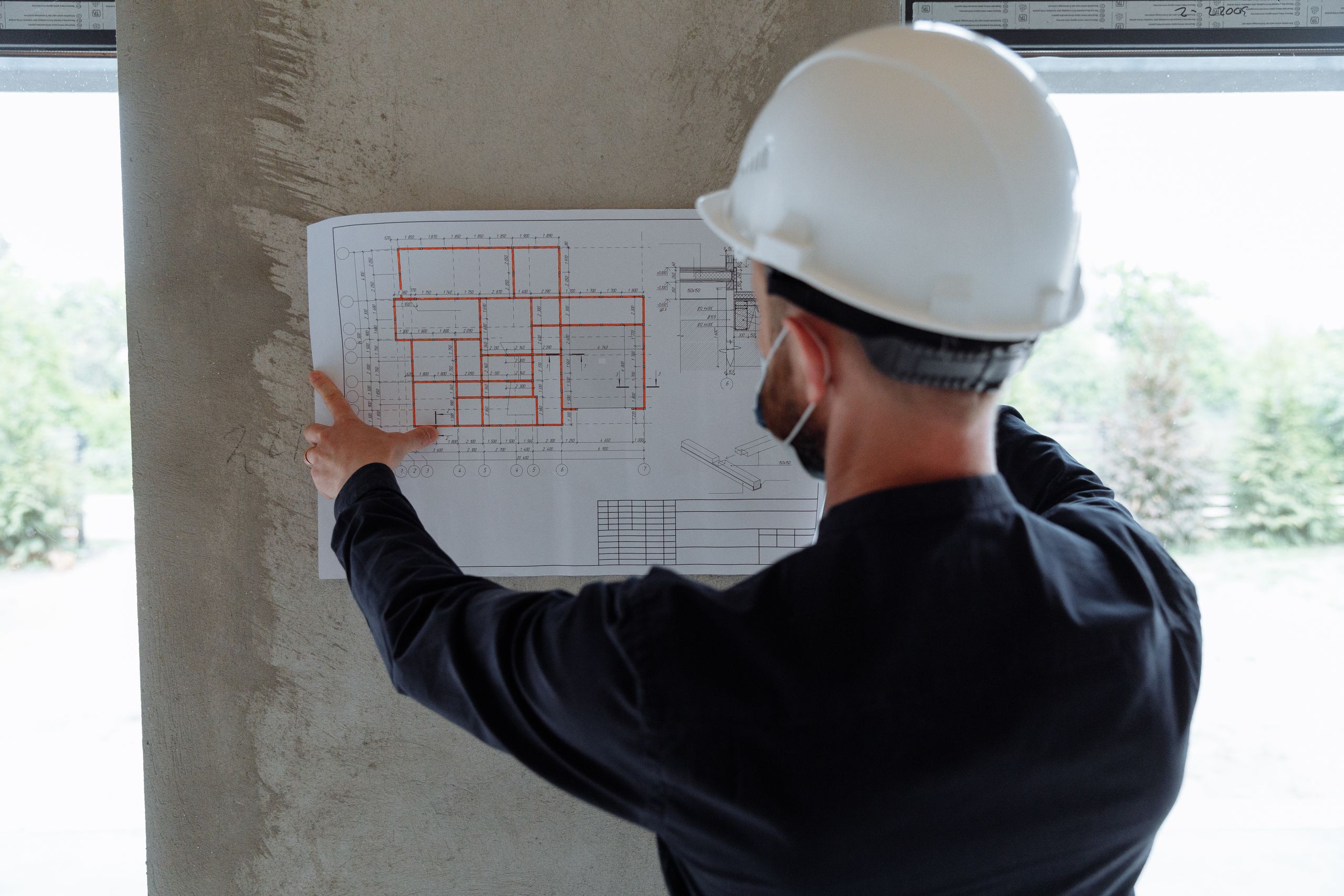
Other ways it shows up:
A laptop rides in the truck for three years with no updates, no backup, and one password the whole crew knows. Then it gets stolen out of the cab.
Field photos and notes sit on someone’s phone until they remember to send them.
Survey data rides back to the office on a thumb drive at the end of the day.
Why it happens
Your crew isn’t doing anything wrong. They’re making do with tools that were never set up for the field.
Most office IT is built for people at desks. The field is different. Jobsite internet is spotty. The trailer moves with every project. Tablets get dropped, rained on, and left in trucks. Phones are often personal, set up by whoever had time.
And the files usually live in more than one place: the office server, email, Dropbox, Procore. When the field and the office pull from different places, nobody is sure which set is current.
What it really costs
Rework.
Building off an old sheet means tearing it out and building it again.
Drive time.
Trips back to the office to grab plans or drop off field data.
Lost and stolen devices.
A laptop taken from a truck can hold client files and saved passwords.
Your PM’s day.
Every “can you send me that sheet?” call pulls them off their real work.
What it isn’t
It isn’t about buying every super a new iPad. Often the device is fine, and the problem is how files get to it.
And we’re not replacing Procore or your project tools. Your team picked those for a reason. We make sure the devices, internet, and logins under them work.
How we fix it
One home for the current set.
We set up file access so the latest plans live in one place, and the field sees the same version as the office. This is what we call a single source of truth.
Devices set up for the field.
Tablets, phones, and laptops set up the same way, with the apps your crew uses, updated on their own. This is called device management.
Plans that open with no signal.
Where your apps allow it, key sheets save to the device ahead of time, so they open even when the jobsite internet won’t.
Better trailer internet.
We help pick and set up internet for the trailer, like a cellular router, so files actually load.
A plan for lost devices.
If a tablet or laptop goes missing, we can lock it and erase it from the office. Your files stay safe.
Everyone gets their own login.
No shared crew passwords. When someone leaves, their access ends that day.
Field data gets back fast.
Photos, notes, and survey files sync back to the office on their own, instead of riding around on a thumb drive.
What changes for you
The field and the office see the same plans. No more building off an old sheet.
Devices work on site. No more calling the office to email pages.
A lost laptop is a quick fix. No more worrying about what was on it.
Your PMs stay on their own work. No more being the field’s file delivery service.
Quick check: is your field set up?
If the plans changed this morning, would your super see the new set today?
Can your crew open plans on site with a weak signal?
If a tablet got stolen out of a truck tonight, could you lock it from the office?
Does everyone in the field have their own login, or is there a shared password?
Does field data get back to the office without someone driving it there?
If you hesitated on any of these, your field is running on workarounds.
Questions people ask
Our crews use their own phones. Is that a problem?
It can be. Firm files on a personal phone are hard to protect. We can keep work apps and files separate from personal stuff, so if someone leaves, we remove the work side without touching their photos.
Do you replace Procore or our project software?
No. Keep the tools your team likes. We make sure the devices, internet, and logins under them work.
We move to a new jobsite every few months. Does that matter?
That’s normal for construction. We keep a simple setup list, so a new trailer gets internet, a printer, and working devices fast, without starting from scratch.
Can you help with internet at remote sites?
Yes. We look at what coverage the site has and pick what fits. Some sites need a cellular router. Some need satellite.
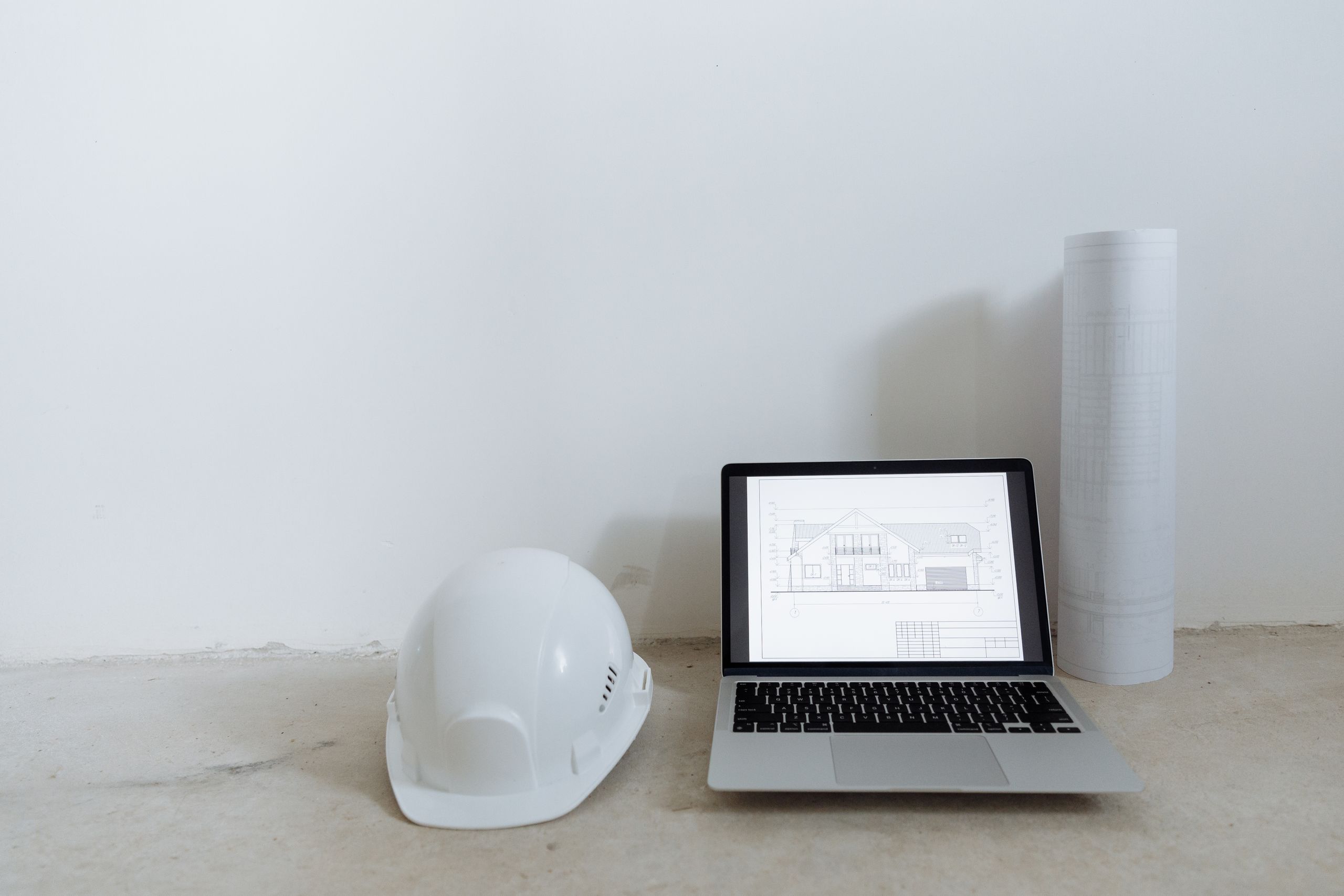
Get the field and the office on the same page.
Book a free 30 minute checkup. We’ll look at how plans get from your office to the jobsite, and where they get stuck. Or take the 3 minute risk assessment for a quick score.
Book a Free 30 Minute Checkup Take the 3 Minute Risk Assessment
Related pages
Slow or crashing design files
Files take forever to open. Programs freeze halfway through a sheet. Working from home feels like wading through mud. Every lost minute comes out of the job.
A fake invoice went out in your name
A client calls about the new bank details on your invoice. You never sent it. Someone has been reading your email for weeks.