

When Your Office Server Dies: What Happens Next
A single server failure can take down file access, software licensing, and email at the same time. Most small firms have no plan and do not know how long recovery actually takes.

It is a normal morning until it is not. Someone tries to open a project and the files are not there. Someone else cannot log in. The plotter queue is gone, and a license error pops up on three machines. Then somebody walks back from the server closet and says the words you do not want to hear: it will not turn on.
One box just took down your whole office. And the question hanging over everyone is simple and scary: how long until we can work again?
Here is the short version. Your office server usually does several jobs at once: it holds your files, it can handle your logins, it may run your software licensing, and sometimes your email. When it dies, a lot stops at the same time. Without a plan, recovering a dead server can take days. With a tested backup and disaster recovery setup, often shortened to BDR, you can often be running again in hours, sometimes on a temporary virtual copy of the server while the hardware gets fixed. The fix is knowing what your server does, having tested backups, and a written plan with real recovery time targets.
What your server actually does
Most people think of the server as “where the files are.” That is true, but it is usually doing more than that, and that is why a failure hurts so much.
It holds your files, the shared drive everyone maps to, with your projects, drawings, and standards. That is the obvious one. It may also handle your logins. On many small firm networks, the server is the domain controller, the machine that checks everyone’s username and password when they sign in. If it is down, most people can still sign into the computer they always use, because Windows remembers recent logins. But the shared drives, mapped printers, and anything else that checks with the server stop working. Anyone signing into a different computer may be stuck.
It may run your licensing. Some firms still run a license server for shared software. If that lives on the dead box, your software can stop working even on healthy computers. And it might run your email or key apps. That is less common now, but some firms still host email or a line-of-business app locally.
That one machine is not one job. It is four or five. So “the server is down” can mean files, logins, licensing, and email all stopping at the same moment.
Why a dead server hurts so much
Now you can see why the whole office stops, not just part of it. It is not that one tool broke. It is that the foundation under several tools broke at once.
For example, let’s say your server is your file storage and your domain controller. It dies overnight. In the morning, nobody can reach the project files. People can log into their own computers, but their drives and printers are gone, and anyone at a different desk may not get in at all. Work does not slow down. It stops. That is the difference between a printer failing and a server failing.
This is also why “we will just deal with it if it happens” is a dangerous plan. The day it happens, you are not making calm decisions. You are watching a room full of people who cannot work, with a deadline coming, trying to figure out how long the pain will last.
The two numbers that decide everything: RTO and RPO
Before you can plan, you need two simple ideas. They sound technical, but they are just plain questions about your firm.
The first is how fast you need to be back. The industry calls this your recovery time objective (RTO), the most downtime you can stand before it really hurts. Is it okay to be down for two days, or do you need to be working again in two hours?
The second is how much work you can afford to lose. The industry calls this your recovery point objective (RPO), the gap between your last good backup and the moment of failure. If your backup ran last night and the server dies this afternoon, can you redo today’s work, or is that a disaster?
You should answer these two questions on a calm day, not during a crisis. They drive every choice about how you back up and how you recover. A firm that needs to be back in two hours builds a very different setup than one that can wait two days.
Why the old way takes days
Here is the trap a lot of small firms are in without knowing it. Their “backup” is a copy of the files on a drive somewhere. That protects the data, but it does not protect against downtime. The same goes for mirrored drives inside the server, often called RAID. RAID keeps the server running if one drive dies, but it is not a backup. It will not save you from a deleted file, ransomware, or a dead server.
Think about what recovery looks like with only a file copy. You have to get new server hardware, install Windows, set up the server’s roles again, reinstall the software, and then copy all the data back. That is days of work, not hours. Meanwhile, your whole office sits idle.
So a file copy answers “did we lose the data?” It does not answer “how fast can everyone work again?” Those are two different questions, and the second one is where firms get hurt.
The modern answer: be back in hours, not days
Here is the good news. Recovery does not have to take days anymore. The modern approach is built to get you working fast.
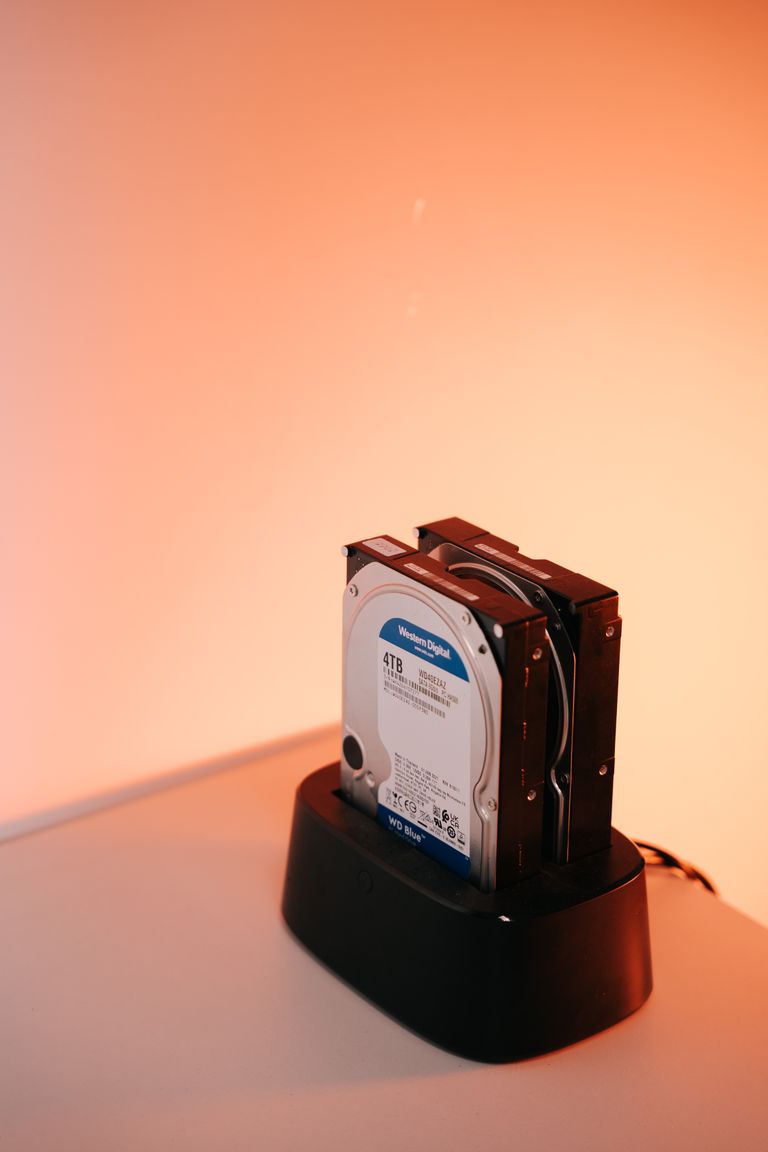
It is called backup and disaster recovery (BDR). Instead of just copying files, a BDR setup takes regular full snapshots of the entire server, the operating system, the settings, and the data, all of it. The powerful part is what it can do in a failure: spin up a virtual copy of your dead server and run it temporarily, so your team gets back to work while the real hardware is repaired or replaced. Vendors often call this instant virtualization. With a setup that has been tested, it can cut recovery from days down to hours.
The best setups are hybrid. They keep a backup copy on a device in your office for the fastest possible recovery, and a second copy in the cloud so a fire or flood cannot take both. Fast when you need fast, safe when you need safe.
One more thing. These days, a server that “dies” is often hit by ransomware, not a hardware failure. If your backups sit on the same network, ransomware can lock them too. And a virtual copy of an infected server just brings the problem back. So keep at least one copy locked for a set time or offline, where an attacker cannot reach it. We cover this in our post on ransomware.
This connects straight to backups in general, which we cover in our post on building a real backup plan. A BDR setup is that backup plan, leveled up to also protect against downtime, not just data loss.
What a real plan looks like for a small firm
You do not need an enterprise data center. Here is a right-sized plan for a small design firm.
- Full-image backups of the server. Not just file copies, so you can restore the whole machine rather than rebuild it from scratch.
- A hybrid setup. A local copy for speed and a cloud copy for safety, with at least one copy locked or offline. That way a fire, flood, or ransomware cannot wipe both.
- The ability to run the server virtually. This keeps the office working while the hardware gets fixed.
- Written recovery steps. That way the plan does not live in one person’s head.
- Real recovery time and recovery point targets. Set them to match how your firm actually works.
- Test restores on a schedule. A recovery plan you have never tested is just a hope. Our 10 minute backup check is an easy place to start.
Do you even need a server anymore?
Worth asking, because the answer is changing. Some small firms are moving off a local server entirely, putting files and logins in the cloud instead, which removes the single box that can take everything down. Others still want a local server for speed with big CAD and BIM files. Autodesk also says Revit worksharing through cloud sync folders like OneDrive or Dropbox will not work like it does on a local network. There are real tradeoffs both ways.
The right answer depends on your firm. But whichever you choose, the rule is the same: do not let one failure take down your whole office with no fast way back.
Frequently asked questions
Let us make a dead server a non-event
A server failure does not have to be a week-long crisis. Most of the difference is in what you set up before it happens: full-image backups, a way to run the server virtually, a written recovery plan, and real recovery targets that fit your firm.
Our managed IT services help small architecture and engineering firms put that protection in place and test it. Based in East Tennessee. Serving firms nationwide. So your team can focus on the work, not on a machine that will not turn on.
If you are not sure how long it would take your firm to recover from a server failure, give us a call. We will look at what you have, tell you honestly where you stand, and build a plan that gets you back fast.
Key takeaways
- Your office server usually does several jobs at once: files, logins, software licensing, and sometimes email. So when it dies, a lot stops at the same time and the whole office can grind to a halt.
- Two questions decide your plan: how fast you must be back (recovery time) and how much work you can afford to lose (recovery point). Answer them on a calm day, not during a crisis.
- With only a file copy, recovery can take days. With a tested backup and disaster recovery setup that can run your server virtually, you can often be working again in hours. Set it up, write it down, and test it before you need it.
Not sure how long your firm would survive a dead server?
We set up backup and disaster recovery that gets you running in hours, not days, and we test it. No obligation, no sales pitch.
Sources: Recovery time objective, from NIST SP 800-34 (NIST); Number of previous logons to cache (Microsoft); Using Revit files on Dropbox, Box, or OneDrive (Autodesk).


One Comment