
Your Backup Might Not Work. Here Is How to Check in 10 Minutes.
Having a backup and having a backup that restores are two different things. Here is the 10 minute check any office manager can run, plus the one copy ransomware can’t reach.
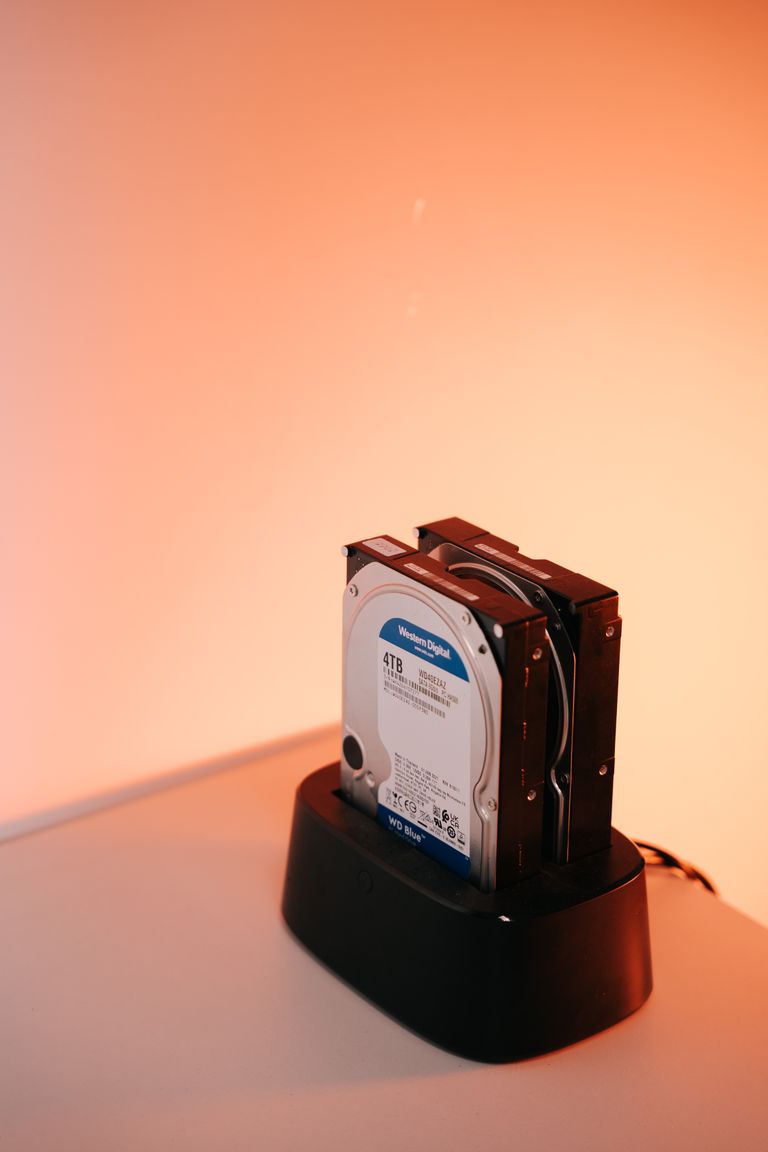
Having a backup and having a backup that restores are two different things. Here is the 10 minute check any office manager can run, plus the one copy ransomware can’t reach.
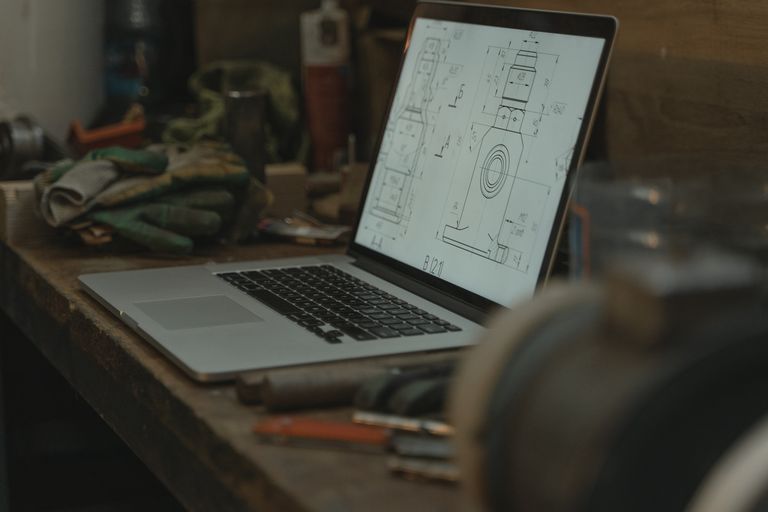
What to keep at project closeout, how long your state actually requires, and how to archive CAD and Revit files so they still open in ten years.
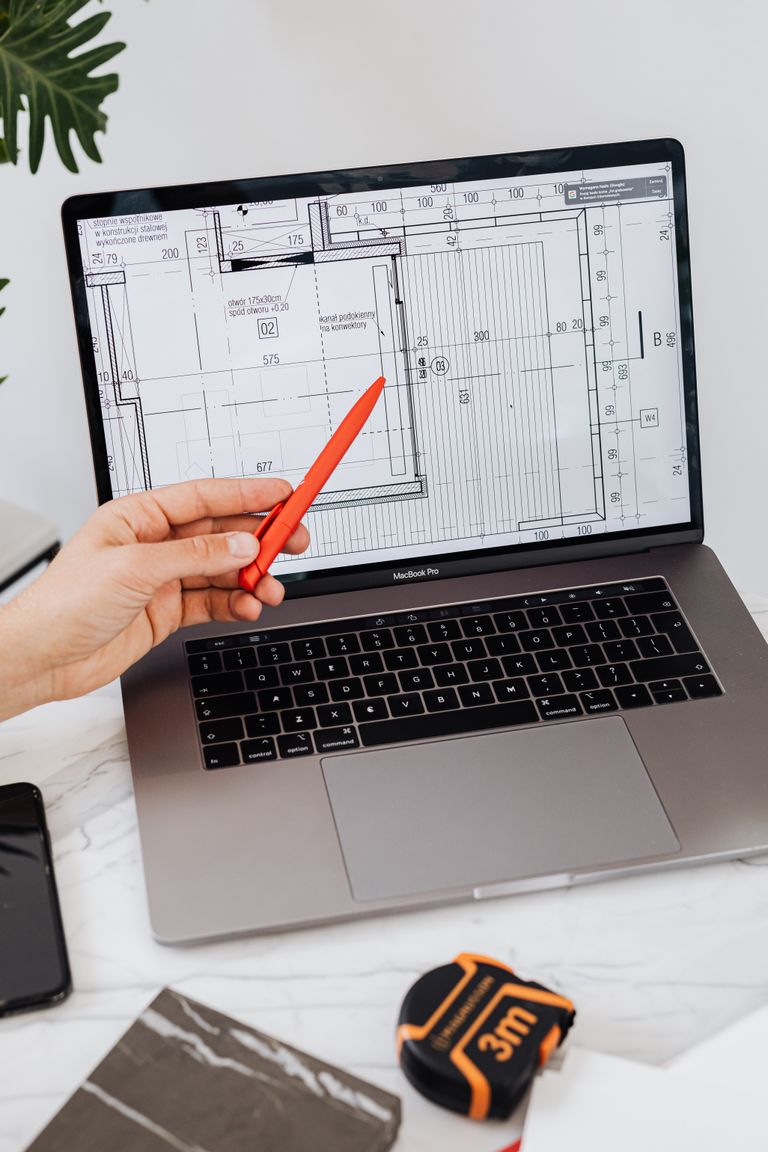
Add up every Revit model, every CAD drawing, every detail your firm has built over the years. If all of it vanished tomorrow, could you even put a price on it? Most firms can’t. That gap in thinking is the problem. We protect things we can see the value of. We lock the office and…

A single server failure can take down file access, software licensing, and email at the same time. Most small firms have no plan and do not know how long recovery actually takes. It is a normal morning until it is not. Someone tries to open a project and the files are not there. Someone else…
The dreaded “file is corrupt” error keeps happening and nobody knows why or how to stop it. There are few words in this business worse than “corrupt.” You go to open your model and Revit tells you the file is corrupt and needs to be manually recovered. Or you try to sync and it fails….
“We back up our files” is usually not a real plan, and one fire, theft, or ransomware hit can erase years of work. Imagine showing up Monday morning, opening your project folder, and the files are gone. Not moved. Not renamed. Gone. Months of Revit models, AutoCAD drawings, and client work, just empty space where…
We use Google Analytics to see which pages people read. It saves cookies in your browser. This helps us make our site better. Don't want that? Open our Cookie Policy to turn it off. You can change your mind at any time.