
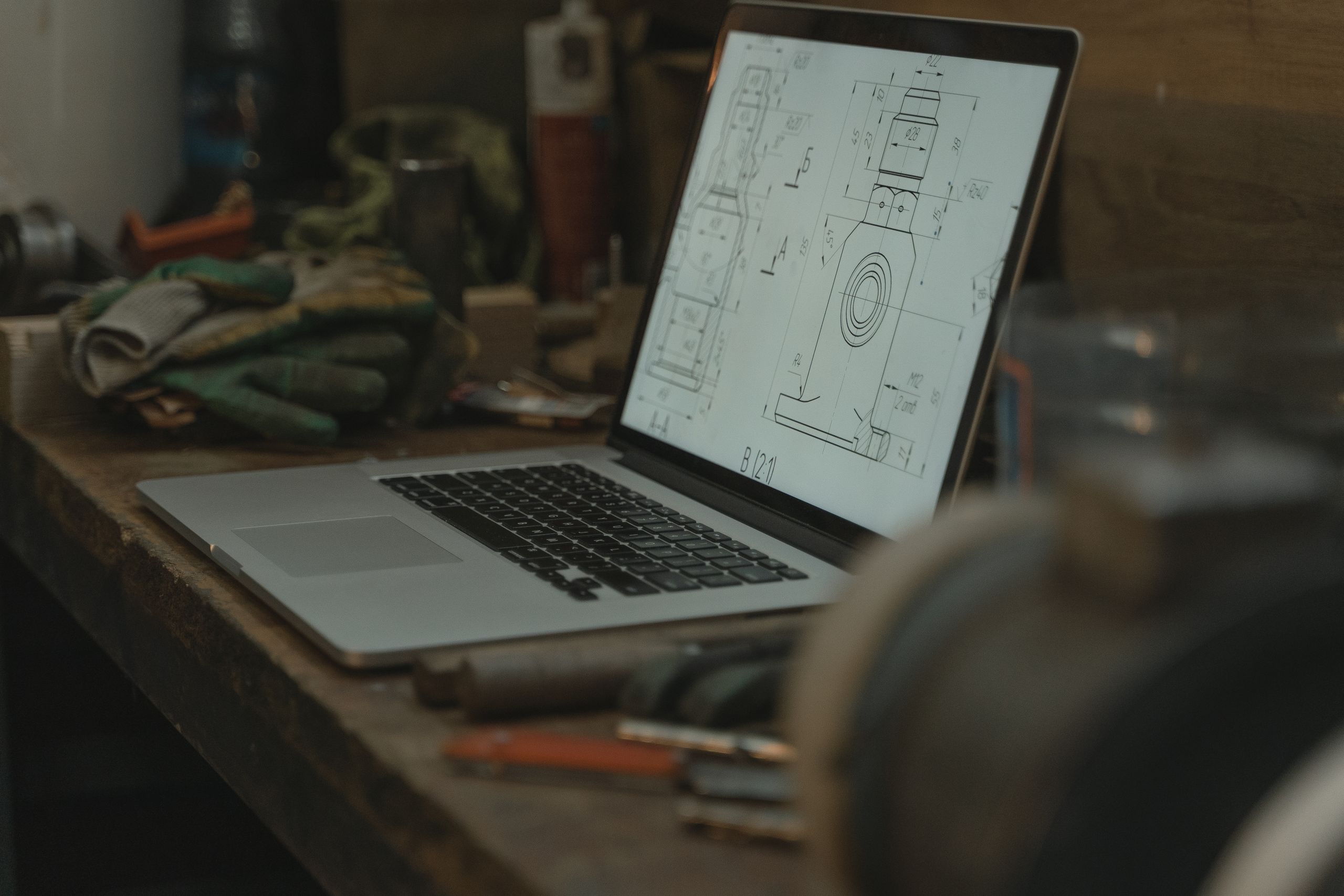
Project Closeout: What Files to Keep, How Long, and Where
The project wrapped months ago, but the whole folder still sits on your server, exactly as big as the day you finished. Multiply that by every job your firm has ever done, and your backups are running all night for work nobody will ever open again.
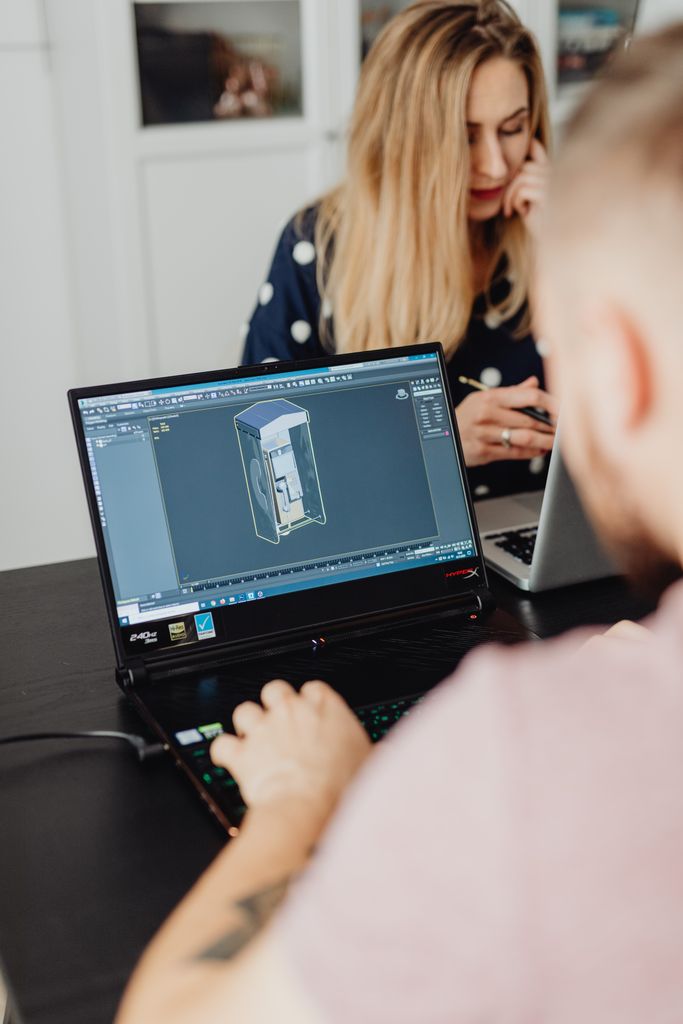
Here is the short version. At closeout, keep the record set (final drawings, specs, and calculations) and the paper trail (contracts, change orders, RFIs, correspondence, and photos). Keep the native CAD and Revit files too. Package them the right way so they still open in ten years. Test that they open. Then move the archive to cheap “cold” storage, and clear the project off your fast server. How long you keep it depends on your state, your contract, and your insurance. In Tennessee that window is short. In New York there is no window at all.
One thing up front. We are your IT people, not your lawyers. This post gives you the shape of a good closeout so you can ask your attorney and your E&O carrier the right questions. E&O is short for errors and omissions, your professional liability policy.
Step one: build an archive that will actually open
Most closeout advice skips this part. It is the part that bites you.
You cannot copy a project folder to a new drive and call it archived. CAD files point at each other. Move them, and the pointers break. Six years later you open your archive and get a screen full of errors.
- AutoCAD. Drawings reference other drawings (xrefs), plus fonts, plot styles, and images. Copy the folder and those links break. Use eTransmit. It gathers the drawing and everything it depends on, and fixes the paths for you.
- Civil 3D. This one is worse. Civil 3D uses data shortcuts (DREFs) to share surfaces and alignments between drawings. Autodesk says it plainly: if the working folder is moved or renamed, the shortcuts break and show up as “Broken Reference.” Repoint them with the Data Shortcut Editor first, or your archive is a pile of empty drawings.
- Revit. A central model is not an archive. It still points at a server path and a worksharing setup that will not exist later. Open it, detach from central, and save that copy. Then run eTransmit to catch linked models. Do not forget consultant models and point clouds. These steps assume the model is on your server. If it lives in Autodesk Docs, BIM 360, or ACC, save a copy to your own storage before that cloud project is closed out.
- Save a PDF/A set, not just plain PDF. PDF/A is the archival version of PDF. It embeds the fonts, so a drawing you plot today looks the same in 2040. Plain PDF does not promise that. If your PDF tool has no PDF/A option, plot to PDF first. Then convert the set with a tool like Bluebeam Revu or Adobe Acrobat. Some files fail to convert, so keep the plain PDF too.
- Package it so you can get it back. In eTransmit, pick the Folder option for the copy you keep close. Add a text file listing what is inside. For deep cold storage, the math flips. Every file there carries its own overhead and has to be restored on its own. A project of 20,000 loose files is slow to get back. Bundle each project into a few packages before it goes cold.
Copying a project folder is not archiving it. It is making a copy that will not open when you need it.
What to keep
Keep the record set: final drawings, specifications, and your design and engineering calculations.
Keep the paper trail: contracts and purchase orders, change orders, requests for information (RFIs) and the responses, meeting minutes, submittals and shop drawings, field and progress reports, project photos, and the important email.
Keep the native files. This is the part firms regret skipping. You will get a renovation on that same building. You will want a detail you already solved. A PDF cannot give you that. Keep the DWG and the RVT alongside the PDF/A.
Clear out the rest: forty saved versions of a model in progress, temp files, duplicates, scratch work.
The real reason to clear those is not disk space. If you get sued, everything you kept can be pulled into discovery. That includes half finished drafts and the offhand internal email about a detail you were unsure of. A plaintiff’s attorney gets to read all of it. So purging working junk is part of risk management. Drafts can also help you, because they show how you reached a decision. Write one policy, apply it the same way to every project, and have your attorney help you draw the line.
How long: it depends on the state, and one number will surprise you
After a project is substantially complete, there is a window of years when someone can still sue over a defect in the design or the construction. That window is called the statute of repose. It is the starting point for your retention policy. The clock starts on the date of substantial completion, so keep proof of that date in the archive.
Tennessee is four years. Under Tennessee law, claims must be brought within four years of substantial completion. If the injury happens during that fourth year, the claimant gets one more year, and the absolute cap is five years. That is one of the shortest windows in the country.
Other states run much longer. Across the fifty states the range is roughly four to fifteen years. California is ten years for latent defects.
Two states have no window at all. New York and Vermont have no construction statute of repose. In New York, a design professional can face defect claims with no outside date. If you are licensed there, a repose based retention policy does not protect you.
Four more things that matter:
- Repose has exceptions. In Tennessee, it does not protect anyone guilty of fraud or anyone who hid a defect. It also does not protect whoever controls the property. And the Tennessee Supreme Court has heard a case on whether claims about ongoing maintenance fall outside it.
- Your contract may set its own rule, and it wins. Many owner agreements include retention and audit clauses. Federal contracts generally require three years after final payment, longer if the contract says so. Federal grants put a similar three year rule on the owner, longer if an audit or claim is open. Your state board may add its own rule. For example, Florida’s engineering board requires keeping sealed documents and calculations for three years from the date they were sealed.
- Work in more than one state? Track it per project, or use the longest window that could apply.
- If a claim comes up, stop deleting. That is a litigation hold, and it overrides everything else. In practice: tell staff in writing, pause the deletion schedule, and turn off automatic purge on email and backups.
There is no single “civil engineers keep files five years” rule. Your attorney and your E&O carrier set your real number.
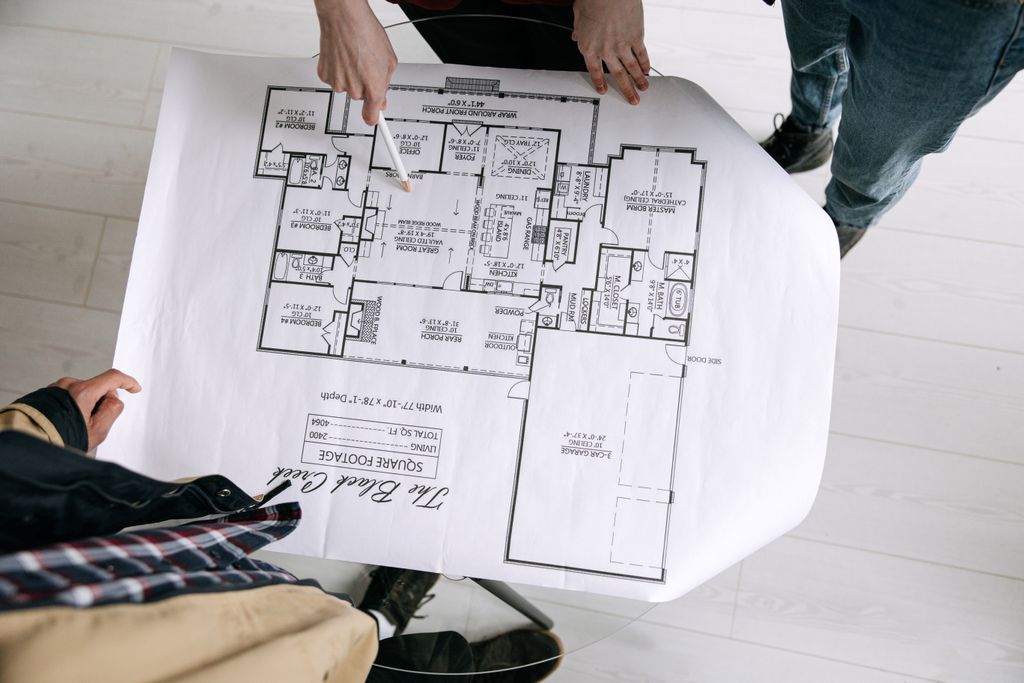
Where: cold storage, with the fine print
You have to keep these records for years. You do not have to keep them on your fast, expensive, nightly backed up server that whole time.
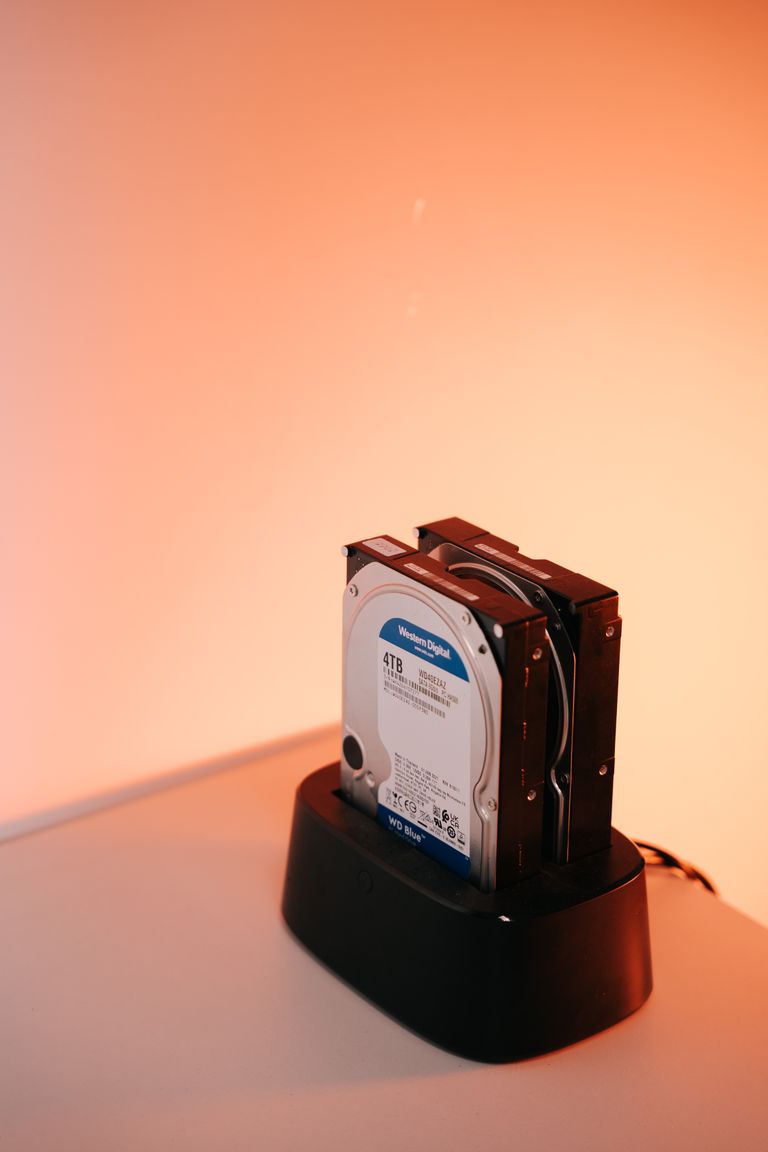
Think of storage in two temperatures. Your live server is “hot”: fast, always on, pricey. Perfect for active work. An archive belongs in “cold” storage: cheaper, slower, built for things you rarely touch but cannot lose.
Cold cloud storage is genuinely cheap. Amazon’s deepest archive tier costs a small fraction of what fast storage does. But read the fine print, because it is not free to use:
- Minimum storage time. Deep archive tiers bill a 180 day minimum. Put something there by mistake and delete it next week, you still pay for six months.
- Retrieval takes hours. Standard retrieval from the deepest tier runs about twelve hours. Bulk can take forty eight. If your attorney needs a project set this afternoon, cold storage will not be fast enough to retrieve in a short window.
- Getting data out costs money. Storing a terabyte is cheap. Retrieving it is typically more expensive.
That is not a reason to skip cold storage. Recent jobs stay warmer on the server. Ten year old jobs go to deep storage.
Back it up, and make one copy immutable. Immutable means the copy cannot be changed or deleted, so ransomware cannot encrypt it. Be careful with the word. Most cloud immutability has two settings. The looser one can be overridden by an admin with the right permission. The strict one cannot be undone by anyone, including you, and you pay storage until the lock expires. Pick on purpose. This is the same 3-2-1 thinking we cover in our post on building a real backup plan and our post on protecting your BIM files.
Keep an index. Project name, archive date, project state, where it lives. An archive you cannot find is barely better than one you deleted.
Write down where the encryption key lives. If the key left with an employee three years ago, the archive is gone.
And remember that software moves on. A Revit file from 2013 may not open cleanly today, and upgrading a file is one way. That is why the PDF/A copy matters. It outlives the software that made it.
Free download: Backup Restore Test Checklist
A simple checklist to prove your backups will actually restore your project files when you need them.
The honest counterpoint
“My firm is too small for tiered storage.” Sometimes true. If you are a five person shop with two terabytes total, a bigger NAS plus flat rate cloud backup may cost less than the time spent managing tiers. Tiering pays off when the archive is big and growing. Do the math for your firm.
“I pull details out of old projects every week.” Good objection. Architects mine finished jobs constantly. Do not archive in a way that kills that. Keep your last two or three years hot, and build a details library so reusable pieces stay in reach. Where files live day to day is its own question, and we cover it in our post on cloud storage vs. an office server.
The trap: “we’ll just keep everything forever”
Most firms default to this. It feels safe. It is not. Fast backed up storage is the priciest kind, and you are buying it to hold dead projects. Your backup churns through finished work every night. If ransomware hits the server, decades of jobs are in the blast radius. And every file you kept is discoverable if you get sued.
Worst of all, it can leave you less protected. When the records that matter are buried in junk and nobody has tested a restore, “we kept everything” turns into “we cannot find it.”
The closeout routine
Plan for it. On a real project, this takes hours, not minutes.
- Fix the links. Repoint Civil 3D data shortcuts. Detach Revit from central. Run eTransmit on CAD and Revit.
- Make the PDF/A set. Final drawings and specs.
- Gather the paper trail. Contracts, change orders, RFIs, correspondence, submittals, field reports, photos.
- Write the manifest. A plain text list of what is in the archive.
- Test it. Before the package goes cold, open the DWG or RVT from the package, not from the project folder. Check that xrefs and data shortcuts resolve. This is the step that makes the whole thing real and tested.
- Copy to cold storage. Do not move. Copy. If a move gets interrupted or fails, you can lose files. A copy leaves the original in place. After the upload, confirm every file arrived.
- Log it. Add it to your index: name, date, project state, location.
- Wait, then clear. Leave the live copy in place for thirty days. Then remove it from the server.
Do that at the end of every job. Your records are safe and findable. Your server stays lean. Proactive beats reactive, even for the boring stuff.
Frequently asked questions
What this means for your firm
A good closeout protects your firm and keeps your systems fast. It should be a routine, not a project. Every hour your team spends hunting for a drawing from 2019 is an hour nobody billed, and every night your backup spends churning through dead projects is a window where a real restore takes longer than it should.
Our managed IT services help small architecture and engineering firms set up the cold storage, the immutable backups, the index, and the routine that makes it stick. Your CAD lead packages the models. We make sure the archive is stored, backed up, and tested. Based in East Tennessee. Serving firms nationwide. So your team can focus on the next project, not the last hundred.
If your server is stuffed with finished jobs and you are not sure what is safe to move, give us a call for a free IT checkup.
Key takeaways
- Packaging matters more than storage. A copied project folder breaks xrefs, Civil 3D data shortcuts, and Revit central files. Use eTransmit, detach from central, save a PDF/A set, and test the archive before you delete anything.
- The clock is a legal question with a local answer. Tennessee is four years (five at the outside), other states run to fifteen, and New York and Vermont have no limit. Contracts, federal funding, and board rules can all require more. There is no universal five year rule.
- Cold storage is cheap to hold and slow to reach. Plan for 180 day minimums, twelve to forty eight hour retrievals, and retrieval fees. Keep an immutable copy, an index, and a written note of where the encryption key lives.
Will your archived Revit files still open in ten years?
We set up cold storage, immutable backups, and an archive routine that keeps CAD and Revit files working. No obligation, no sales pitch.
Sources: Tenn. Code Ann. 28-3-202, statute of repose; Tenn. Code Ann. 28-3-203, injury during fourth year; Tenn. Code Ann. 28-3-205, exceptions; Tennessee repose and maintenance claims (Freeman Mathis & Gary); Statutes of Limitations and Repose for Construction Related Claims (Saxe Doernberger & Vita); Document Retention: Rules of Thumb for Design Professionals (PDI); Record Keeping and Retention for Florida Engineers (FBPE); 2 CFR 200.334 record retention requirements (eCFR); FAR 4.703 contractor record retention (Acquisition.gov); Data Shortcuts appear broken or missing in Civil 3D (Autodesk); Opening Workshared Files Independent of the Central Model (Autodesk); Modify Transmittal Setup dialog box (Autodesk); PDF/A-1b archives (Bluebeam); Understanding S3 Glacier storage classes (AWS); Understanding archive retrieval options (AWS); Locking objects with S3 Object Lock (AWS)



One Comment