The Cybersecurity Risk of Pasting Project Data into AI Tools
Your team is pasting specs, client emails, and project details into AI tools to work faster. It feels harmless. But those details can leave your firm’s control without anyone realizing it.
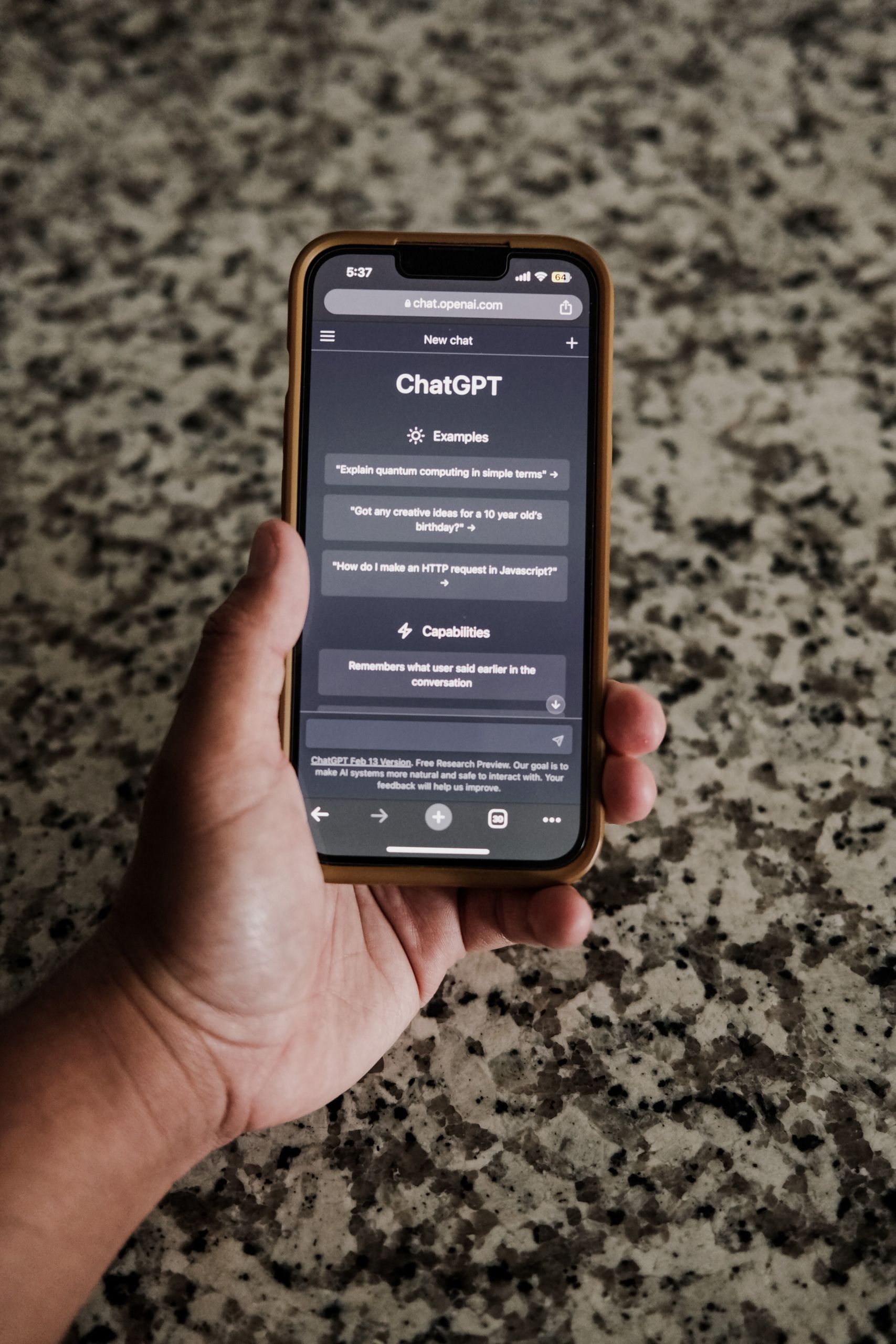
Someone pastes a chunk of a spec into ChatGPT to summarize it. Someone drops in a client email to clean up the wording. Someone asks an AI to help write a proposal, and feeds it the project details to work with. It feels fast and helpful, and nothing bad seems to happen. But there is a quiet risk in those everyday moments.
Here is the short version. When your team pastes project data into a public AI tool, that information can leave your control. Depending on the tool and its settings, it may be stored on someone else’s servers and even used to train the AI. For a firm handling client and building data, that is a real exposure. The fix is guidance and the right tools, not banning AI.
First, AI is worth using
Your team reaching for AI tools is not a problem to stamp out. These tools really do help. They summarize, they draft, they explain, they save real time. A firm that bans them outright is choosing to be slower than the firms that figure out how to use them safely.
So this is not a post telling you to be afraid of AI or to forbid it. There is a big difference between “do not use AI” and “do not paste confidential data into the wrong AI.” We are talking about the second one.
Depending on the tool and how it is set up, that data may be kept, and it may be used to help train and improve the AI.
What actually happens when you paste data in
When you type or paste something into a public AI tool, it does not stay on your computer. It travels to the company that runs the AI, lands on their servers, and gets processed there. And depending on the tool and how it is set up, that data may be kept, and it may be used to help train and improve the AI. In plain terms, a copy of what you pasted can end up living on someone else’s system, outside your walls, where you no longer control it.
Once it is out, you cannot pull it back. Now think about what designers actually paste in: project specs, client names and contact details, site information, budget numbers, pieces of contracts, building layouts. That is exactly the kind of information you have a duty to protect.
This is not a small problem
It is also common. Microsoft and LinkedIn surveyed 31,000 workers for their 2024 Work Trend Index. 78% of the people using AI at work said they bring their own AI tools, not ones the company picked. So the company often has no say in which tool gets the data.
Few firms have a technical way to stop it, either. Kiteworks, a company that sells data security tools, surveyed 461 IT and security professionals in 2025. Only 17% said their organization blocks public AI tools and scans what goes into them. Most of the rest rely on training, warnings, or no AI policy at all.
A real example: Samsung
Samsung, a giant electronics company with serious security, ran into this in 2023. In under a month, engineers in its chip division entered confidential data into ChatGPT three times. One pasted in source code to fix a bug. Another fed in internal meeting notes. A third asked it to improve the tests the company uses to find faulty chips. Each one left a piece of Samsung’s secrets on an outside server. Samsung responded by temporarily banning generative AI tools, like ChatGPT, on company devices.
None of those employees were trying to do harm. They were trying to get their work done faster. This risk does not come from bad people. It comes from good people using a helpful tool without realizing where their data goes. If it can happen at Samsung, it can happen at a small design firm where nobody ever set a rule.
Why a design firm should care
You hold information that belongs to your clients: building plans, security layouts, private details about their property and their business. They trusted you with it. If that data ends up on an outside AI server, you have lost control of something that was not even yours to give away. That is a problem for your client relationships, and depending on what is in it, it can be a problem for your contracts and your liability too.
What happens if a client asks you, in writing, to confirm their project information has never left your control? If your team has been pasting it into public AI tools, you cannot honestly say yes. That is the kind of question that should make you want a plan.
Free download: AI Rules Template
A ready to use policy that tells your team what is safe to paste into AI tools and what is not.
The fix: guide it, do not ban it
A short ban can buy you time while you pick the right tools. Samsung called its ban temporary for that reason. But a ban alone rarely holds. When you forbid a tool people find useful, many just use it on their own phones. Now you have the same risk and no way to see it. This is called shadow AI. The lasting fix has three parts.
- A clear, simple policy. Your team needs to know, in plain language, what is okay to paste into AI and what is not. The rule of thumb: never paste or upload client data, project specifics, contracts, drawings, or anything private into a public AI tool. Use it for general help, not for confidential content. Check your client contracts too, since some limit where project data can go. We walk through the full policy in our post on writing an AI use policy for your design firm.
- The right tools. There are business versions of AI tools built to keep your data private and promise not to train on it. If your firm already pays for Microsoft 365, start there. Microsoft says Copilot Chat comes with your subscription, and when people sign in with their work account, their prompts are not used to train Microsoft’s AI models. The catch is the sign in. On a personal account, that protection does not apply. Point your team at tools like these, not the free public ones.
- Training. Many leaks happen because people do not know where their data goes. A short, honest conversation about how these tools handle data helps. Cover file uploads and AI meeting note takers too, not just pasting. Once people understand that pasting a spec into a public tool can put it on an outside server, most think twice.
Frequently asked questions
We help you use AI without the leak
Setting up a sensible AI policy, pointing your team at private tools that protect your data, and training people so they know where their information goes is the kind of practical, modern protection our managed IT services help small architecture and engineering firms put in place. Based in East Tennessee. Serving firms nationwide. The goal is to let your team enjoy the speed of AI while keeping your clients’ information exactly where it belongs.
If you want to use AI but you are not sure how to do it safely, give us a call for a free IT checkup. We will help you set it up right.
Key takeaways
- AI tools genuinely help, but pasting project data into a public AI can send it to outside servers, where it may be stored and even used to train the model. Once it leaves your environment, you cannot pull it back.
- This is common and often invisible. In Microsoft’s 2024 Work Trend Index, 78% of AI users said they bring their own AI tools to work. Samsung temporarily banned these tools after engineers entered source code, meeting notes, and chip test data in under a month.
- The fix is to guide it, not ban it: a clear plain English policy (never paste client data, specs, or contracts into public AI), approved business AI tools like Microsoft 365 Copilot Chat on a work account, and a little training. A ban alone tends to push people into hidden shadow AI.
Worried your team is pasting project data into AI tools?
We help you use AI safely, with the right tools and a simple policy, without handing over your clients’ data. No obligation, no sales pitch.
Sources: Employees secretly bringing AI tools to work, 2024 Work Trend Index (Fortune); AI Data Security and Compliance Risk Survey (Kiteworks, 2025); Samsung bans ChatGPT, Bard, and other AI tools (Business Today); Samsung workers leaked company secrets using ChatGPT (TechRadar); ChatGPT business data policy and data controls (OpenAI); Copilot Chat frequently asked questions (Microsoft)