
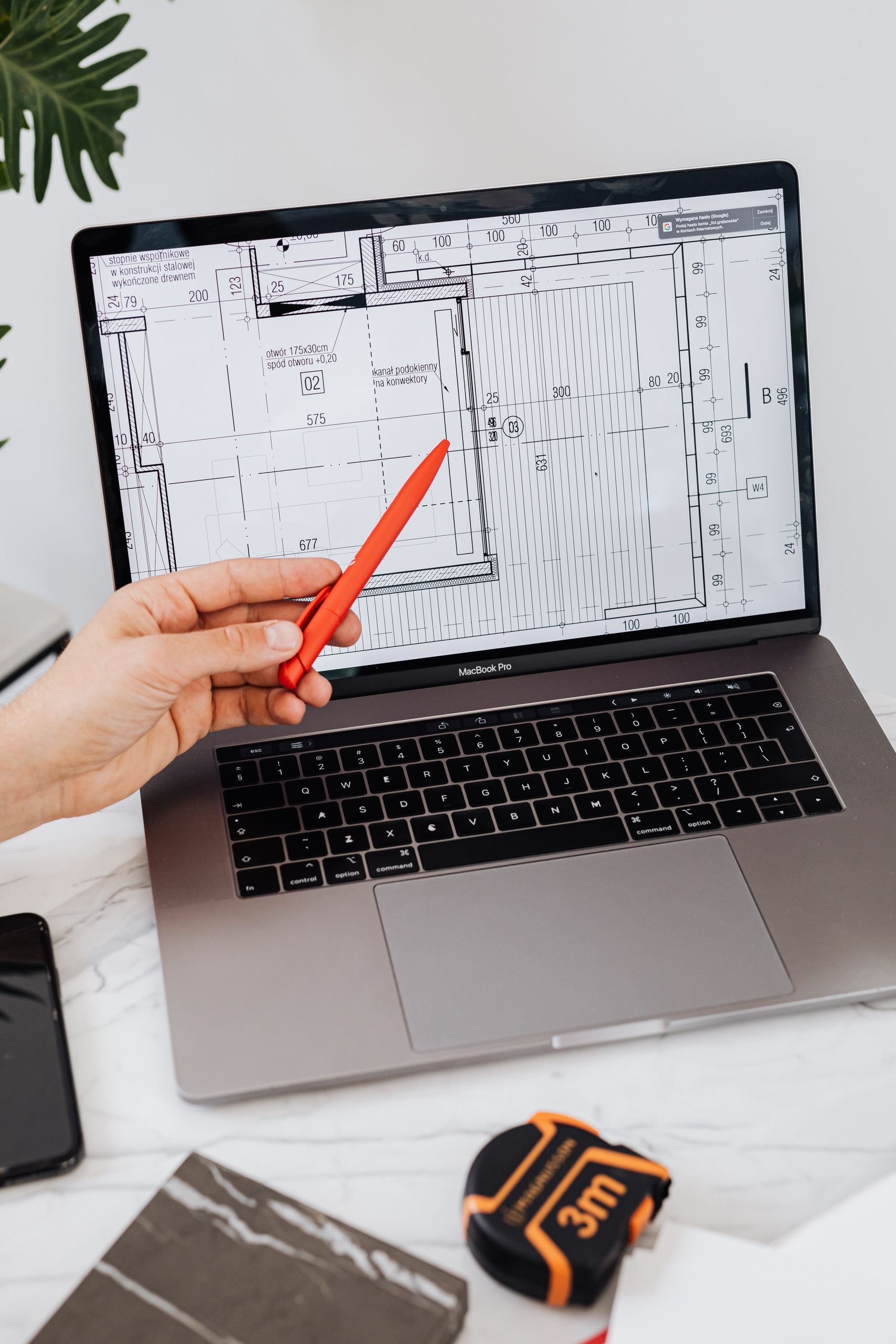
Your BIM Files Are Worth Millions. Are You Protecting Them Like It?
Add up every Revit model, every CAD drawing, every detail your firm has built over the years. If all of it vanished tomorrow, could you even put a price on it? Most firms can’t. That gap in thinking is the problem.
We protect things we can see the value of. We lock the office and insure the trucks. But the most valuable thing a design firm owns is its files, and those often sit on a server with almost nothing guarding them.
Here is the short version. Your BIM and CAD files are the core asset of your firm, and they are a target for theft and ransomware. Protecting them takes more than hoping for the best: real backups, current updates, controlled access, multi-factor login, and trained people. The good news is this protection is affordable and built for firms your size.
What your files are really worth
Your BIM models are not just drawings. They hold proprietary design work that took real time, money, and skill to create. They are the thing clients pay you for. They are, in a real sense, the firm itself, stored as data.
Now think about losing them. If your files disappeared, you would not just lose the current project. You would lose your library, your history, your reusable details, and your templates. Those are what let you work fast. Some of it you could rebuild, slowly and painfully. But nobody pays you for that rework, and the deadline does not move.
Your files are not paperwork. They are the most valuable asset your firm owns. Are you guarding them like they are worth millions, or like they are worth nothing?
Attackers go after small firms precisely because small firms usually have weaker protection. A big company has a security team. A small firm has one person doing IT on the side.
The threats are real, and they target firms like yours
Small businesses get hit hard. In Verizon’s 2025 Data Breach Investigations Report, ransomware showed up in 88% of small business breaches. At large companies, it was 39%. Here are the main ways firms lose their files.
- Ransomware. Criminals get into your network, lock up all your files, and demand money to unlock them. Until you pay or recover, you cannot work at all. Many gangs also copy your files first, then threaten to leak them. Here is what ransomware gangs take and how they get in.
- Theft of your designs. Your BIM files contain proprietary designs. If a competitor or a thief gets a copy, they get your work for free. That can do real damage to your business and reputation. The copy can also walk out with someone who is leaving the firm. Here is how to shut off a former employee’s access.
- Unpatched software. In Verizon’s 2026 report, the most common way in was a known software flaw, at 31% of breaches. Think of a firewall, VPN, or server that missed its updates.
- Phishing and tricked logins. Phishing was the way in for 16% of breaches in that same report. Someone clicks a fake email and types in their password. That one click can hand an attacker the keys to everything.
- Plain old disaster. Fire, flood, a stolen laptop, a dead hard drive. The file does not care whether it was a criminal or a coffee spill. Gone is gone.
Why small firms get hit
Attackers love small firms precisely because small firms usually have weaker protection. A big company has a security team. A small architecture or engineering firm often has one person who handles IT on the side, plus their actual job. Criminals know this. They go after the easy target, and the easy target is the firm that never set up real protection because it felt like something only big companies needed.
That is not a reason to panic. It is a reason to put up the basic defenses that make you a hard target instead of an easy one.

How to actually protect your files
You do not need a fortune or a security team to protect your files well. A handful of solid, affordable measures cover most of the risk.
- Real backups, the 3-2-1 way. Keep three copies of your files, on two kinds of storage, with one copy kept off-site and out of an attacker’s reach. At least one copy should be immutable, meaning it is locked for a set time so nobody can change or delete it. Give the backup system its own admin login with MFA, because someone with that login can still do damage. Then test a restore on a schedule. Here is how to check your backup in 10 minutes. With real backups, you can recover from ransomware instead of paying. Our backup plan guide covers the rest, including why OneDrive is not a backup.
- Controlled access. Not everyone needs access to everything. Start with admin rights and remote access, since those do the most damage in the wrong hands. Make old project archives read only. The fewer people who can change a file, the fewer ways it can leak or be locked up.
- Multi-factor login (MFA). Logging in needs your password plus a second step, like a code on your phone. A stolen password alone is no longer enough to get in. Some phishing kits can still steal the whole login session, and passkeys hold up best against that. Turn MFA on everywhere you can. Our password guide covers which kind to use.
- Updates and patches. Keep the firewall, VPN, servers, and computers current. Known flaws are now the most common way attackers get in. Replace gear that no longer gets security updates.
- Trained people. People were involved in 62% of breaches in Verizon’s 2026 report. A little training goes a long way. When your team can spot a fake email, they can stop many attacks before they start. Your people are either your weakest point or your first line of defense, and training is what decides which.
- Encryption. Encryption scrambles your data, so a lost laptop or stolen drive cannot be read without the key. It does not help if an attacker is logged in as one of your users, because the files open normally for them. Turn it on for every laptop and for files you send outside the firm.
Free download: Backup Restore Test Checklist
A simple checklist to prove your backups will actually restore your project files when you need them.
You insure everything else. Insure this too.
You insure your building. You insure your vehicles. You probably carry professional liability coverage. You protect the things that would hurt to lose. Protecting your files is the same idea. It is insurance for the most valuable thing you own. And unlike a lot of insurance, this kind also pays off every single day by keeping you running smoothly, not just when disaster strikes.
Being proactive here is so much cheaper than being reactive. The reactive version is a ransom demand, a week of downtime, lost projects, and clients wondering if they can trust you. The proactive version is a setup that quietly protects you, so a bad day stays a bad day instead of becoming the day your firm went under. This protection is not expensive, and it is not just for big companies. It is basic, affordable, and built for firms your size.
Common questions
We protect what your firm is built on
Real backups, current updates, controlled access, multi-factor login, and staff training treat your files like the asset they are. Setting that up is exactly the kind of thing our managed IT services do for small architecture and engineering firms. Based in East Tennessee. Serving firms nationwide. We take pride in protection that quietly works in the background, so you can focus on the work, not on worrying about losing it.
If you are not sure your files are really protected, give us a call for a free IT checkup. We will look at what you have, point out the gaps in plain language, and help you guard the thing your whole firm depends on.
Key takeaways
- Your BIM and CAD files are the core asset of your firm: years of design work, your reusable library, and your client history. Losing them is not losing one project, it is losing the thing clients pay you for.
- The threats are real and aimed at small firms: ransomware, unpatched software, design theft, phishing, and plain disaster. Attackers target small firms because they usually have weaker protection.
- You can protect them affordably: real 3-2-1 backups with a locked immutable copy, regular restore tests, current updates, controlled access, multi-factor login, staff training, and encryption. It is insurance for the most valuable thing you own, and it is built for firms your size.
Are you protecting your BIM files like they’re worth millions?
We set up and test backups that keep years of model work safe from ransomware, fire, and bad luck. No obligation, no sales pitch.
Sources: Verizon 2025 Data Breach Investigations Report; Verizon 2026 Data Breach Investigations Report; CISA #StopRansomware Guide; Microsoft Security Blog on phishing that gets past MFA.

One Comment