Best Large Format Printers for Engineering Firms in 2026
It is 3:30 on a Friday, and a client wants three paper sets of 24 x 36 plans by Monday. Your old plotter jams on every other sheet, or you do not own one and you are stuck waiting on the print shop.
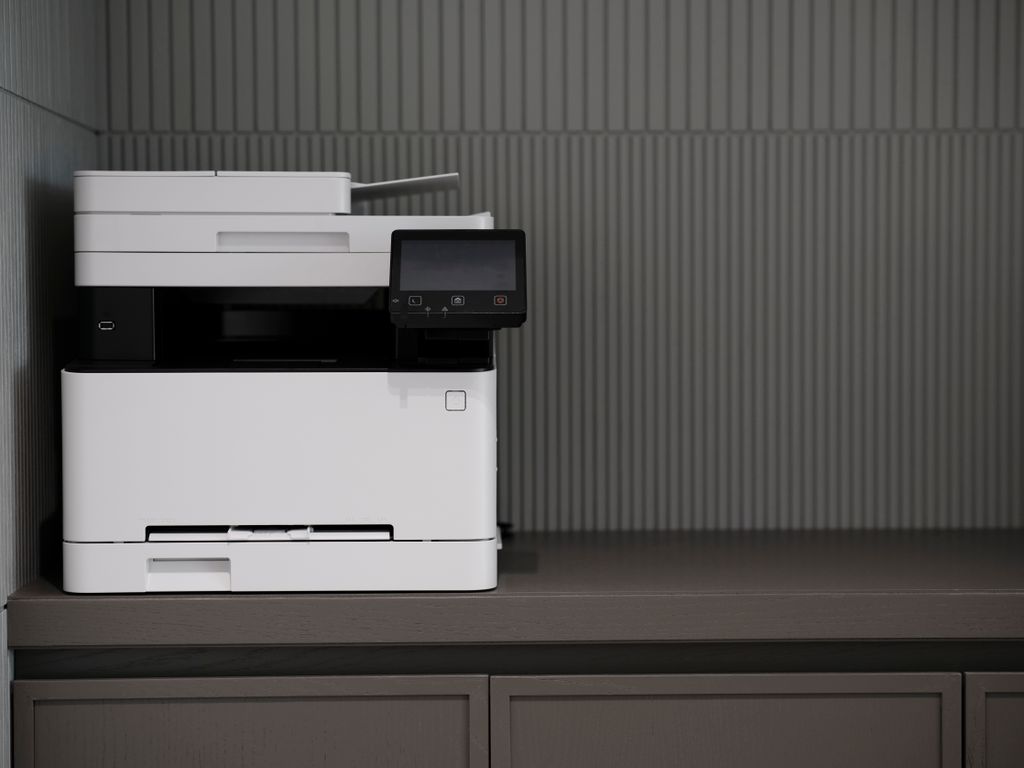
A good print shop is a fine choice, and many deliver. If you print a few sets a month, a shop may still be your best deal. But if you print every week, waiting on someone else gets old.
Here is the short version. If your sheets are 24 x 36 or smaller, a 24 inch plotter covers you. Our top pick is the HP DesignJet T870. The best value is the Epson SureColor T2170. Our runner up is the Canon imagePROGRAF TM-240. Nothing under $500 is a real plotter, but the Epson WorkForce Pro WF-7840 handles 11 x 17 work. For heavy color printing, look at the HP DesignJet T950. Before you buy anything, check whether your CAD plot setups need HP-GL/2.
We checked prices with US sellers in October 2026. They change often, so check again before you buy.
The quick list
- Best overall: HP DesignJet T870 (24 inch). Fast, with a sheet tray and big cartridges. About $2,245.
- Best value: Epson SureColor T2170 (24 inch). Real plotter basics for under $900. About $845.
- Runner up: Canon imagePROGRAF TM-240 (24 inch). Fast, but no sheet feeder. About $1,599, or $1,499 with a rebate through October 31, 2026.
- Best under $500: Epson WorkForce Pro WF-7840. A tabloid printer and scanner, not a plotter. About $250 on sale (list $379.99).
- Best for high volume color: HP DesignJet T950 (36 inch). Big trays and a flat stacker. Get a dealer quote.
First, what is a large format printer?
A normal office printer tops out at letter or tabloid (11 x 17) paper. A large format printer feeds paper off a roll, 24 or 36 inches wide, and cuts each sheet when it is done. This is what most engineers call a plotter.
Here is what a plotter is not anymore: a machine that draws with pens. Today most plotters are inkjet printers, and some black and white models use toner.
Width is the number that matters. A 24 inch printer handles ANSI D (22 x 34) and ARCH D (24 x 36). For 30 x 42, ANSI E (34 x 44), or ARCH E (36 x 48), you need a 36 inch printer.
Half of a 24 x 36 sheet is 12 x 18, not 11 x 17.
Check this first: does your office need HP-GL/2?
Some CAD offices do not print through a regular Windows printer. Their AutoCAD plot configurations, MicroStation print configurations, or batch plot scripts send drawings in a plotter language instead. The common one is called HP-GL/2.
Some budget plotters only print through the maker’s own Windows driver. If your setups expect HP-GL/2, those printers mean rebuilding them. Every plotter we picked supports it. You should ask whoever set up your CAD plotting before you shop.
The best large format printers for engineering firms
1. HP DesignJet T870: best overall
- Width: 24 inch roll, plus a 50 sheet tray for sheets up to 12 x 18
- Speed: 21 seconds per D size sheet (HP’s best case, in Fast mode with Economode on)
- Ink: pigment in all four colors, in 130 or 300 ml cartridges
- Speaks HP-GL/2: yes
- Warranty: 2 years
- Price: about $2,245 at CDW (list $2,995)
The T870 is HP’s newest 24 inch CAD plotter. It went on sale in October 2025. Its tray takes sheets up to 12 x 18, which covers a true half size set of 24 x 36 drawings. HP’s free HP Click tool can send big sheets to the roll and small ones to the tray in one job.
Big cartridges cost more each time, but less per ml. At CDW, the 300 ml black was $224, about 75 cents per ml. HP’s 29 ml color cartridges for its cheaper plotters ran $45.49 at Staples, about $1.57 per ml.
All four inks are pigment (ink that sits on top of the paper). HP says pigment resists water and highlighters better than dye ink. HP’s cheaper plotters already use pigment black, so this mainly helps color areas.
Watch out for:
- HP Click only works with original HP ink. Test mixed size jobs from your own CAD setup before you count on them.
- HP turns on automatic firmware updates by default. Those updates can block third party ink.
- HP.com will not accept returns on it because of its size. Buy from a dealer who will set it up.
What about the older HP DesignJet T650? It is slower and uses dye color ink, and CDW listed a version of it at $2,359, more than the T870. Skip it unless you find it well below the T870.
2. Epson SureColor T2170: best value
- Width: 24 inch roll, plus an automatic sheet feeder for sheets up to 11 x 17
- Speed: 43 seconds per D size sheet (Epson’s print engine time)
- Ink: pigment, in 26 or 50 ml color and 50 or 80 ml black cartridges
- Speaks HP-GL/2: yes
- Warranty: 1 year, which Epson says usually includes next business day onsite repair
- Price: $845 at Epson
The T2170 gives you real plotter basics for under $900. It speaks HP-GL/2, uses pigment ink in every color, and connects over WiFi, a network cable, or USB. For a small firm that plots a few sets a week, that is plenty.
Watch out for:
- The cartridges are small, so you will buy them often.
- It is slower than the T870, though each maker tests speed its own way.
- The sheet feeder stops at 11 x 17. True half size sets of 24 x 36 drawings (12 x 18) come off the roll.
- The stand costs extra.
3. Canon imagePROGRAF TM-240: runner up
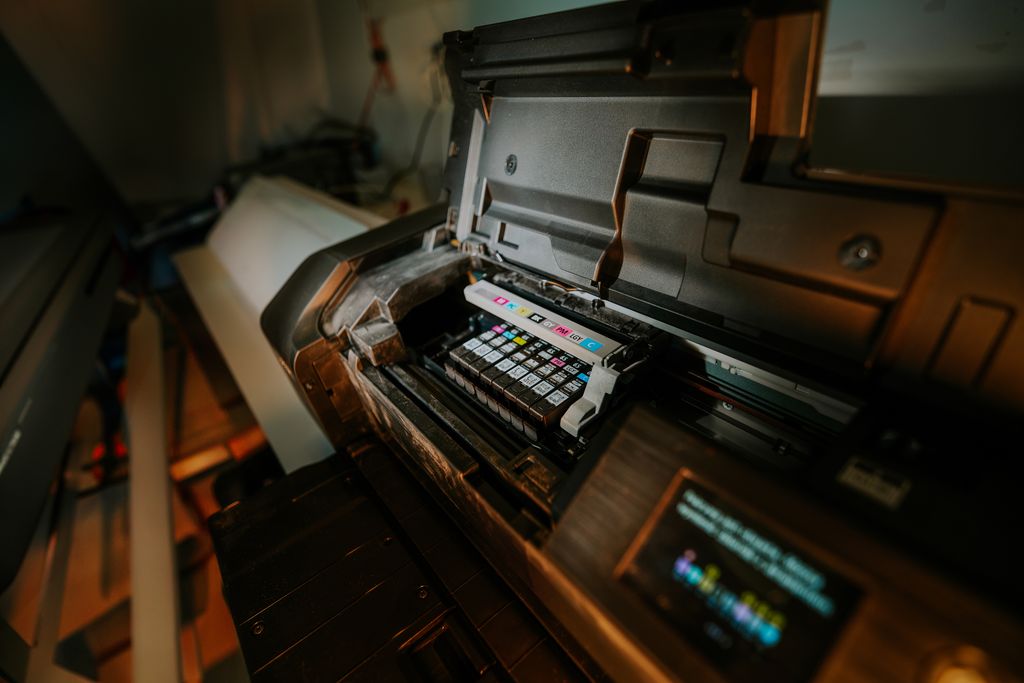
- Width: 24 inch roll, plus one cut sheet at a time
- Speed: 23 seconds per A1 sheet (close to D size) in Canon’s fastest mode, 51 seconds in Standard
- Ink: five pigment inks, in 55 ml cartridges
- Speaks HP-GL/2: yes
- Warranty: 1 year
- Price: $1,599 at Imaging Spectrum, or $1,499 with a $100 rebate that runs through October 31, 2026
The TM-240 sits between the Epson and the HP. In its fastest mode, it nearly matches the T870.
Watch out for:
- There is no automatic sheet feeder. Small sheets go in one at a time.
- We found this price at one dealer. Get a quote from a local Canon dealer too.
- The stand costs extra.
4. Epson WorkForce Pro WF-7840: best under $500
Here is what this is not. It is not a plotter. Nothing under $500 is. Here is what it is: a tabloid printer and scanner for half size work.
- Prints: up to 11 x 17 from the main trays, up to 13 x 19 from the rear tray
- Scans and copies: up to 11 x 17, on the glass or through the feeder, both sides
- Paper: two 250 sheet trays
- Price: $249.99 on sale at Epson (list $379.99)
Half size depends on your sheet. Half of a 22 x 34 sheet is 11 x 17. Half of a 24 x 36 sheet is 12 x 18.
For example, let’s say you shrink a 24 x 36 sheet onto 11 x 17 paper. It prints at about 46% scale, not 50%. Anyone who scales a distance off that sheet will come up about 8% short. You should put a graphic bar scale (a drawn scale bar that shrinks with the sheet) on every sheet. It stays right at any size.
The rear tray takes paper up to 13 x 19, so 12 x 18 fits, but Epson has no preset for it. Set the size by hand and test one sheet. The scanner stops at 11 x 17.
When you print a PDF at half size, use 50%, not “Fit,” which shrinks it a bit more. See PDF to Plot: Why Your Prints Don’t Match What’s on Screen.
Watch out for:
- It only takes Epson ink cartridges.
- It cannot print a full size plan sheet.
If your office runs on HP, the HP OfficeJet Pro 9730e prints, scans, and copies up to 11 x 17. If someone turns on HP+ during setup, HP says the printer then needs an HP account, a constant internet connection, and original HP ink for life. Skip HP+ unless you want that.
5. HP DesignJet T950: best for high volume color
- Width: 36 inch roll (one roll at a time)
- Speed: 21 seconds per D size sheet, up to 120 per hour (HP’s best case)
- Trays: a 100 sheet front tray, a 50 sheet organizer, and a 40 sheet flat stacker
- Ink: pigment, in cartridges up to 300 ml
- Speaks HP-GL/2: yes
- Price: varies by version and warranty, so get a dealer quote
At high volume, where the sheets land matters. The stacker holds 40 sheets flat, so a full set does not end up curled on the floor. The 36 inch roll handles E size sheets too. A version that also scans is available and costs more.
Watch out for:
- It holds one roll. If you switch between bond and film all day, that gets old.
- It weighs about 123 pounds. Measure your space first.
Mostly black and white? Look at a toner plotter. Canon’s plotWAVE T series prints 4 to 10 ARCH D sheets per minute, depending on the model, and holds 2 to 6 rolls. That is much faster than any inkjet here. We could not find public prices, so you will need a quote.
Need two rolls of color? The Canon imagePROGRAF TZ-5300 holds two rolls and lets you swap rolls and ink while it prints. We could not find a public US price for it either.
How to choose the right large format printer
Spending thousands on a printer can feel silly when the print shop is down the road. That feeling is fair. So add up last year’s print shop invoices. Compare that to the printer, plus a year of ink and paper, plus one printhead. If the shop still wins, keep the shop. If not, ask these six questions.
- What size sheets do you print? 24 x 36 or smaller means 24 inch. 30 x 42 and bigger means 36 inch.
- Do your plot setups need HP-GL/2? If yes, skip any printer that does not list it.
- How much do you print? A few sets a week fits the T2170. Sets every day fits the T870 or TM-240. All day color fits the T950. All day black and white fits a toner plotter.
- Do you scan old plans? Full size as built drawings need a large scanner or a printer with one built in.
- What does it cost to run? Compare ink per ml, not per cartridge. Printheads wear out too. HP’s printhead for its T200 and T600 plotters was $337.49 at Staples. Plotters also spend ink cleaning their heads, so ask how much.
- Who fixes it? You should get onsite service from the maker or a local dealer. Also ask about a lease with service included. You pay monthly, and repairs are their problem.
The part most buyers skip: setup and security
A plotter is a small computer on your network. It has its own software inside (called firmware), its own network address, and its own login page. So it needs the same care as a PC. Proactive is better than reactive here.
You should do these five things on day one:
- Reserve its network address. Have your router always give the plotter the same address. This is what we call a DHCP reservation. We cover other causes of dropouts in Why Your Plotter Keeps Going Offline.
- Pick one driver and use it everywhere. The driver is the program that lets Windows talk to the printer. Choose the HP-GL/2 or regular driver on purpose, and install the same version on every CAD machine. See Why Does the Same Software Work on One Machine But Not Another?
- Share your plot files. Keep plot style tables and plotter setups in one shared folder. That keeps line weights and paper sizes the same for everyone. Scale lives in your page setups and templates, so standardize those too.
- Lock down the login. HP ships these plotters with a unique preset admin password. Store it in your password manager, turn off features you do not use, and keep the login page off the open internet. See Ransomware Groups Are Targeting Architecture, Engineering, and Construction Firms.
- Decide how you will handle updates. HP turns on automatic firmware updates by default. Updates fix security holes, but they can also block third party ink. We recommend original ink with updates on. Turning updates off to save on ink leaves those holes open.
Security is not a strong reason to pick one HP model over another. Even HP’s cheaper plotters get secure boot (a check that the firmware is genuine) and automatic updates. The T870 and T950 mainly add write protected memory and cartridge checks.
How we picked
We did not lab test these printers. We used maker spec sheets, US prices, and what small engineering offices print each week. We compared HP, Epson, and Canon. Every plotter we picked speaks HP-GL/2 and uses pigment ink.
We left out two popular budget plotters on purpose. The HP DesignJet T210 and the Canon imagePROGRAF TC-21 both cost less than our top pick, but neither speaks HP-GL/2. The T210 also uses dye color ink, and its sheet feeder costs extra. If your office prints only through a regular Windows driver, either one can work.
Frequently asked questions
What we do for engineering firms
Aspen IT Group works only with architecture, engineering, and construction firms. Based in East Tennessee. Serving firms nationwide. It is all part of our managed IT services. We check how your office plots today, including whether you need HP-GL/2. Then we help you pick the right plotter, or tell you to keep your print shop if that is cheaper. We set it up right: a reserved address, one driver everywhere, shared plot files, and a plan for updates. When it acts up, you call us, and we already know your setup.
Your team should spend Friday afternoon checking plans, not fighting the plotter. That way they can focus on the work, not the technology. If you are shopping for a plotter, or yours is driving you crazy, give us a call for a free IT checkup.
Key takeaways
- If your sheets are 24 x 36 or smaller, a 24 inch plotter covers you, and the Epson SureColor T2170 is the best value at about $845.
- Before you buy, ask whoever set up your CAD plotting if your plot setups need HP-GL/2, because some budget plotters do not speak it.
- Half of a 24 x 36 sheet is 12 x 18, not 11 x 17, so put a graphic bar scale on every sheet.
Shopping for a plotter, or fighting the one you have?
A free IT checkup gives you a clear picture of where your firm stands. No obligation, no sales pitch.
Sources: HP: DesignJet T870 24 inch printer; CDW: HP DesignJet T870; Digital Output: HP launches the DesignJet T870; CDW: HP 738 300 ml black ink; Staples: HP DesignJet T210 ink and printheads; HP: DesignJet T650 24 inch printer; CDW: HP DesignJet T650; Epson: SureColor T2170; Epson: SureColor T2170 spec sheet; Canon: imagePROGRAF TM-240 specifications; Imaging Spectrum: Canon imagePROGRAF TM-240; Epson: WorkForce Pro WF-7840; Epson: WF-7840 paper loading; Office Depot: HP OfficeJet Pro 9730e; HP: OfficeJet Pro 9730e and HP+; HP: DesignJet T950 specifications; HP: DesignJet T950 overview; Aspen Solutions: HP DesignJet T950 print languages; CDW: HP DesignJet T950; CDW Government: HP DesignJet T950 MFP; Digital Output: Canon launches plotWAVE T series; Canon: imagePROGRAF TZ-5300; HP: Large format print security; HP: DesignJet T210 24 inch printer; Canon: imagePROGRAF TC-21 specifications; HP: Inks for HP PageWide Technology (white paper); Chron: Difference between a plotter and a format printer