

Revit vs ArchiCAD: Which BIM Tool Actually Fits Your Architecture Studio?
Revit fits large, multidiscipline practices and contractor workflows. ArchiCAD wins for smaller, design-led studios and Mac users. Here is how to tell which one your studio should actually standardize on.

You are about to pick the BIM tool your studio will draw in for the next ten years. Every project, every detail, every new hire learns it. Switching later is painful and expensive. So this is one of the bigger software calls your firm will make.
Two names lead the list for architects: Revit and ArchiCAD. Both are real BIM tools. BIM means building information modeling, where you build a smart 3D model, not just flat lines. Both are good. They just fit different studios.
Here is the short version. Revit fits large, multidiscipline practices and firms that hand models to engineers and contractors. It is the North American industry standard and runs only on Windows, but it has a steep learning curve. ArchiCAD fits smaller, design-led studios. It is more intuitive, often faster to learn, can cost less, and runs natively on Mac. The right pick comes down to your team size, your project complexity, your computers, and who you collaborate with.
Quick verdict: who each tool is built for
Start with the big picture, because it decides most of this.
Revit is built for coordination at scale. Autodesk made it for big teams where architecture, structure, and MEP (mechanical, electrical, plumbing) all work in or against the same model. If you regularly hand your model to outside engineers and contractors, especially in North America, Revit is the tool they expect.
ArchiCAD is built for architects, by architects. Graphisoft made it design-first. The modeling feels more natural and creative, and a small studio can get productive faster.
Revit wins on coordination and industry pull. ArchiCAD wins on design feel and ease.
Learning curve and onboarding new hires
This one hits your schedule and your budget directly. Here is how the two tools compare when you bring someone new on board.
- ArchiCAD is generally easier to learn. The interface is more graphical, and new users tend to become productive faster. For a small studio that cannot spare weeks of training, that is real.
- Revit is powerful but steeper. It can feel rigid until your team understands how its parts fit together: families, parameters, and views. Once it clicks, it is fast. Getting it to click takes time.
- Hire with your labor pool in mind. If your new hires trained on Revit in school, Revit is the easier onboard. If they are new to BIM entirely, ArchiCAD usually gets them drawing sooner.
Modeling experience and design freedom
This is where ArchiCAD fans get loud, and they have a point.
ArchiCAD’s modeling tends to feel more fluid for early design and creative shapes. Architects often say it gets out of the way and lets them design.
Revit can do beautiful work too, but its strength is structure and control, not loose creativity. It rewards a disciplined, parameter-driven way of working. For complex coordinated buildings, that discipline is a feature. For a design-led boutique studio, it can feel like a cage.
Neither is wrong. It depends on whether your edge is design exploration or coordinated production.
Coordination and working with consultants
Here is the question that quietly decides it for many firms. Who do you hand your model to?
Revit dominates multidiscipline coordination in North America. Your structural and MEP engineers probably use Revit. Your contractor probably wants Revit models in Autodesk Construction Cloud (now called Autodesk Forma). When everyone is on Revit, the model passes around with the least friction. This is the closed-ecosystem advantage.
ArchiCAD plays well with others through open BIM. It uses IFC, an open file format that different BIM programs can all read. So ArchiCAD can trade models with Revit users. It just adds a translation step, and translation is never perfect. We dig into this tradeoff in our post on open BIM vs closed BIM.
The honest rule: if your consultants and contractors live in Revit, Revit removes friction. If you mostly work alone or with other open-BIM firms, ArchiCAD’s independence is fine.
Mac vs. Windows and hardware
This is the cleanest difference of all, and for some studios it ends the debate.
ArchiCAD runs natively on Mac, including the newer Apple Silicon chips (the M series processors in modern Macs). It runs lean and performs well there.
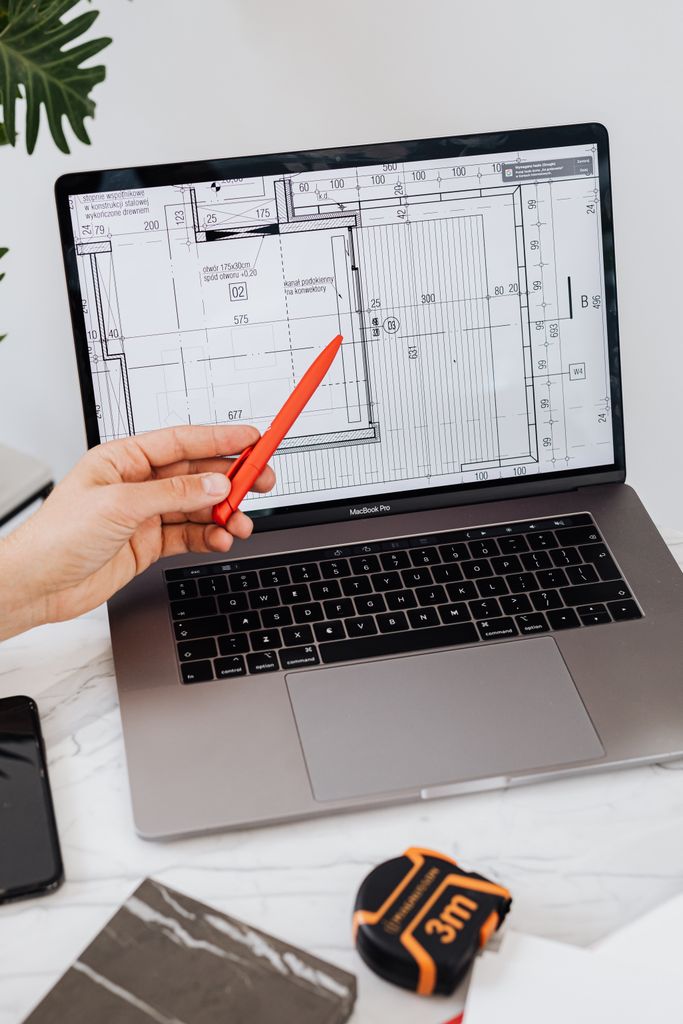
Revit is Windows only. There is no Mac version. A Mac studio must run Windows through a virtual machine or a cloud PC to use Revit at all. Autodesk lists Parallels Desktop as the recommended way to do that on a Mac. But Autodesk also says accelerated graphics are not supported under Parallels, and it makes no promises about running Revit virtualized. That works for some studios, but it is extra cost and extra setup, and it is one more thing to break.
If your studio is all Mac and wants to stay that way, ArchiCAD is the natural fit. If you are on Windows or do not care, this difference does not matter. Either way, BIM is heavy on hardware, and a weak computer drags both tools down. We cover that in our post on whether your workstation is slowing down Revit or Civil 3D.
Free download: Workstation Buying Guide
A plain English guide to choosing CAD and BIM workstations that will not slow your team down.
Licensing and pricing
Both tools are now subscription software, and prices change, so get a current quote before you commit.
Revit is often the pricier subscription. Many firms buy it inside Autodesk’s Architecture, Engineering and Construction Collection. That bundle also includes AutoCAD, Civil 3D, and more, which raises the value if you use those other tools. ArchiCAD can cost less per seat, so get current quotes for both. Graphisoft has been phasing out its old perpetual license in favor of subscription too.
Do not pick on sticker price alone. A cheaper tool that fights your consultants can cost you more in rework than it saves in license fees. Price matters, but fit matters more. If Vectorworks is also on your list, or you are trying to pick the right edition and seat count, see our BIM software buyer’s guide for design firms.
Which studios should choose which
Here is the part that matters. Match the tool to your studio.
- Choose Revit if you do multidiscipline or larger commercial work, you hand models to engineers and contractors who use Revit, your team is Windows-based, and you already use other Autodesk tools. It is the industry-standard path in North America.
- Choose ArchiCAD if you are a smaller, design-led studio, you want an easier tool that new hires pick up fast, you work on Mac, or you value open BIM and vendor independence. It is the design-first path.
Plenty of good studios run either one. There is no universal winner, only the right fit for how you design and who you work with. If you want a third option in the mix, we compare a wider field in our small-firm BIM buyer’s guide.
Frequently asked questions
We make either one run right
Picking Revit or ArchiCAD is the design team’s call. Making it run fast and safe is ours. The workstation that pushes the model, the network that serves the files, the backups that protect years of work, and the Windows virtual machine if your Mac studio needs Revit.
Our managed IT services help small architecture firms set up and support the tech under their BIM tools. Based in East Tennessee. Serving firms nationwide. So your team can focus on the design, not the computer.
If you are weighing Revit against ArchiCAD, give us a call for a free IT checkup. We will help you think through the fit and get your hardware and network ready for whichever you choose.
Key takeaways
- Revit fits large, multidiscipline, Windows-based firms that hand models to engineers and contractors. It is the North American standard but has a steep learning curve. ArchiCAD fits smaller, design-led studios and is easier to learn, can cost less, and Mac-native.
- The biggest tiebreakers are who you collaborate with and what computers you use. If your consultants live in Revit, Revit removes friction. If you are a Mac shop or value open BIM, ArchiCAD fits.
- Both are subscriptions now, and both are heavy on hardware. Pick on fit, not sticker price, and make sure your workstations and network can handle the model.
Picked your BIM tool but your machines can’t keep up?
We spec the workstations, network, and backups that make Revit or ArchiCAD run fast. No obligation, no sales pitch.
Sources: Revit 2027 system requirements, including Mac and Parallels (Autodesk); Archicad system requirements (Graphisoft); Revit vs Archicad comparison (SelectHub)



2 Comments