

Laptop or Desktop for Revit and Civil 3D: Who Gets Which
Your team is split between the desk and the field, and buying everyone a laptop feels obvious. Then that laptop runs Revit or Civil 3D and starts screaming fans, throttling, and lagging on deadline.
Here is the short version. Give people who work at a desk a desktop workstation. Give people who truly work in the field a real mobile workstation, not a thin laptop. For people in between, a desktop plus secure remote access from a light laptop is often the best value. Never open remote desktop straight to the internet.
First, why the laptop pull is real
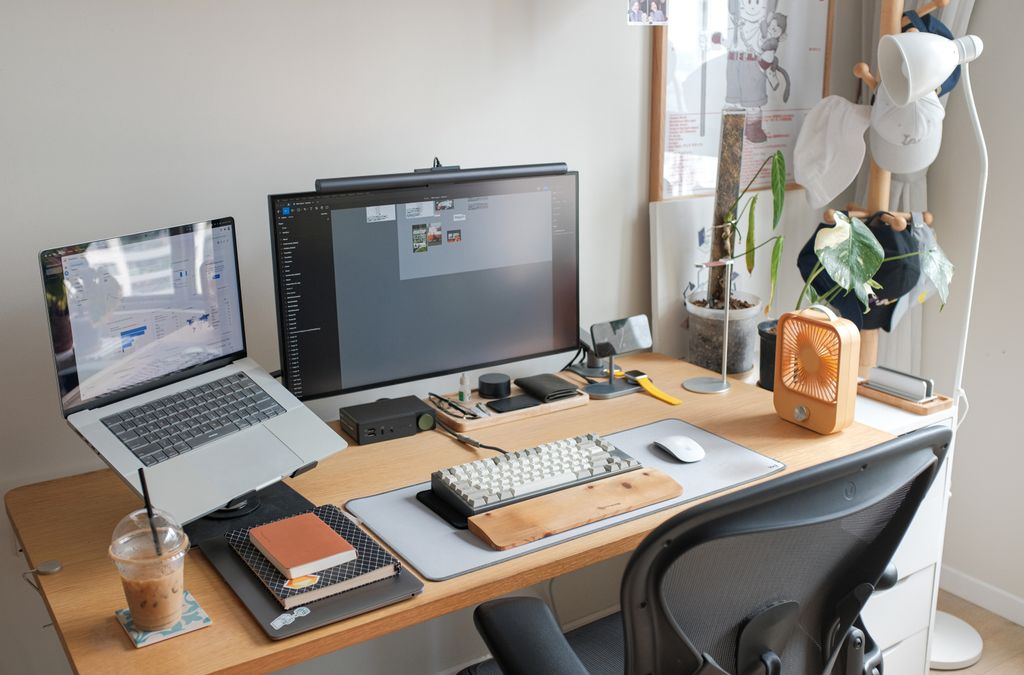
The instinct to buy laptops makes sense, and we are not going to talk you out of it blindly. Work really is more spread out now. People design at the desk, then carry the project to a job site or a client’s conference room. Pulling up the live Revit model on site, during a walkthrough, has real value. One machine that goes everywhere sounds perfect.
Here is the catch. Revit and Civil 3D are heavy programs. They push the processor and graphics hard, for hours. Thin laptops struggle with exactly that kind of sustained load. So the dream machine that does everything can turn into a hot, slow machine that does it all a little worse.
The laptop that looked fast in the store gets slower the longer you actually use it.
The real difference: heat and sustained power
A desktop has a big case and serious cooling. It can run the processor and graphics card flat out, for hours, without overheating. The speed you paid for is the speed you get, all day.
A laptop has a tiny case and small fans. When you push it hard for a while, it gets hot, and to protect itself it slows down on purpose. This is thermal throttling, the machine dialing back its own speed to cool off. On a thin laptop, that can happen within minutes of heavy Revit work. Two machines may look identical on a spec sheet, but open a big model and work for an hour, and the desktop holds its speed while the laptop heats up and drags.
Memory, graphics, and value
Three more places where desktops pull ahead for heavy work.
Memory (RAM). Revit and Civil 3D love memory. For real professional work you want 32 GB at a minimum, and 64 GB is better for big models. Desktops usually hold more memory than laptops and are easier to upgrade, so they have more headroom as your projects grow.
Graphics (the GPU). Both tools lean on a real graphics card with its own video memory. Desktops fit bigger, faster cards. Laptop graphics are smaller and run cooler-but-slower versions of the same chips. For large BIM models and big Civil 3D surfaces, the desktop card wins. For the full parts list and what each spec does, see our guide to Revit and Civil 3D workstation requirements.
Value. Dollar for dollar, a desktop usually gives you more power than a laptop. You pay extra for the privilege of portability. If a person does not need to move, that extra money buys nothing they use.
When a laptop is the right call
Now the honest other side, because for some people the laptop is exactly right. A mobile workstation earns its place when someone truly works away from the desk. Think project managers and BIM coordinators who attend site visits, client presentations, and construction walkthroughs. People who need the live model in the field, not back at the office.
The key word is truly. Not “might travel someday.” Not “likes the idea of a laptop.” Someone who is regularly away from the desk with a real need for the model in hand. For that person, buy a real mobile workstation, not a thin everyday laptop, so it can actually handle the software.
The setup many firms miss: desktop plus remote access
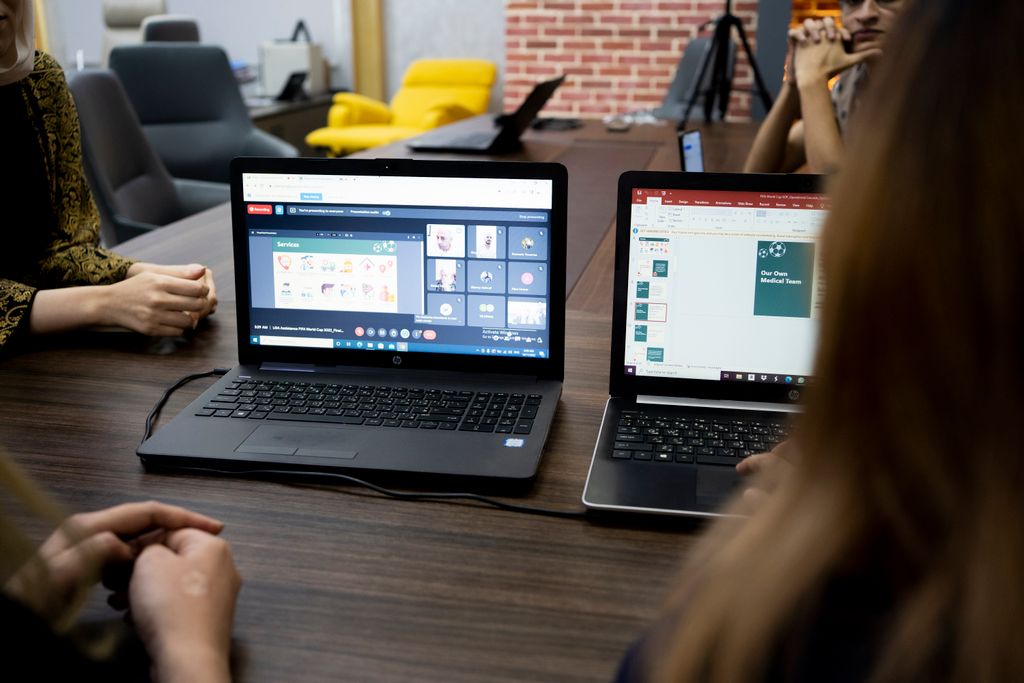
Here is the option that often beats both, and it is easy to overlook. Put a powerful desktop at each person’s desk. Then, when they travel, let them reach that desktop from a cheap, light laptop. This is remote access, where the laptop just shows the screen of the strong machine back at the office. The heavy work happens on the desktop. The laptop is only a window into it.
Your project manager is at a job site with a basic laptop. They connect to their powerful desktop back at the office and run the full Revit model on it, remotely. They get desktop power on a light laptop, and the firm did not pay for two expensive machines. The same idea can work with a cloud PC. For Revit, that cloud PC needs a graphics card. Microsoft offers those only with Windows 365 Enterprise or Flex, and you buy them through a Microsoft account team, not online. This setup gives you speed at the desk and access in the field, usually for less money.
Two things to get right. First, never open remote desktop straight to the internet. That is a common way ransomware gets in. CISA says remote desktop should only be reachable through a secure VPN after multifactor sign in, or through a zero trust gateway. We compare the options in our post on VPN vs remote desktop for design firms. Second, it is only as smooth as the internet at both ends. On weak cellular at a job site, 3D views can lag.
Free download: Workstation Buying Guide
A plain English guide to choosing CAD and BIM workstations that will not slow your team down.
How to choose for each person
Sort your people into three groups. Mostly at the desk: if someone spends almost all their time at a fixed desk, buy a desktop workstation. You get more speed and more memory for less money. This is most of your design staff. Regularly in the field with the model: if someone truly needs the live model away from the office, buy a real mobile workstation built for the load. At the desk, but travels sometimes: give them a desktop plus secure remote access from a light laptop. That is usually the best speed and value, with field access when they need it.
You should not hand the whole firm the same machine. Match the computer to how each person actually works, so nobody is stuck with a hot, slow laptop they did not need, or a desk-bound tower they cannot take to a site.
Frequently asked questions
We will spec the right machines for your team
Buying computers for a design firm is not about getting everyone the same shiny laptop. It is about matching the right machine to how each person works, so nobody is fighting a slow computer and nobody overpays for power they do not use.
Our managed IT services help small architecture and engineering firms spec, buy, and set up the right workstations, laptops, and remote access, so your team gets fast machines that fit the work and you spend smart. Based in East Tennessee. Serving firms nationwide. If you are about to buy computers for Revit or Civil 3D, give us a call for a free IT checkup. We will help you match each person to the right machine before you spend a dime.
Key takeaways
- For people who work mostly at a desk, a desktop workstation beats a laptop for Revit and Civil 3D. It runs faster, stays cool under long loads, holds more memory, and costs less for the same power.
- Laptops throttle. Under heavy, sustained design work they heat up and slow themselves down, so the laptop that looked fast in the store gets slower the longer you use it. Buy a real mobile workstation only for people who truly work in the field.
- The smartest setup is often a desktop plus remote access from a cheap laptop, giving you desktop speed at the desk and field access on the road, usually for less than buying two powerful machines. Match the machine to how each person actually works.
About to buy computers for Revit or Civil 3D?
We match each person to the right machine so nobody fights a slow laptop or overpays for power they don’t use. No obligation, no sales pitch.
Sources: Revit 2027 system requirements (Autodesk); Remote Desktop Protocol countermeasure CM0025 (CISA); GPU enabled Cloud PCs (Microsoft)

One Comment